31I want to use the Smart Pattern Reader
Track rows, take notes, follow charts, and manage shaping beside your PDF
The Smart Pattern Reader puts your row counters, notes, shaping guides, stitch markers and voice commands in a sidebar, right beside the pattern PDF. Everything you reach for while knitting, in one place.
- A pattern PDF open in the reader. Anything that keeps count also needs a project linked to it.
- Premium for Smart Tracking and Full Knitting. Row Tracker is free.
- A connected Ravelry account. The premium modes are not available on a Google-only account.
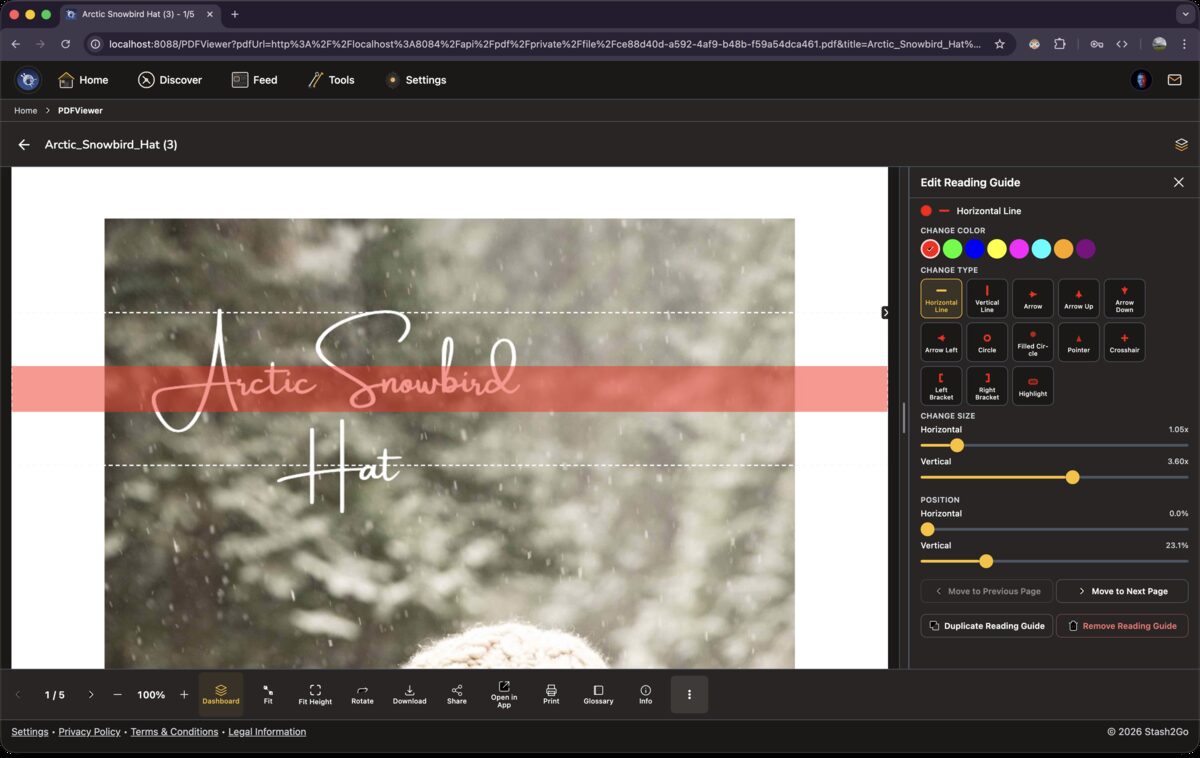
Open any pattern PDF from a project and the sidebar appears beside it. Your counters, notes, markers and shaping guides are all in there, next to the pattern you are reading.
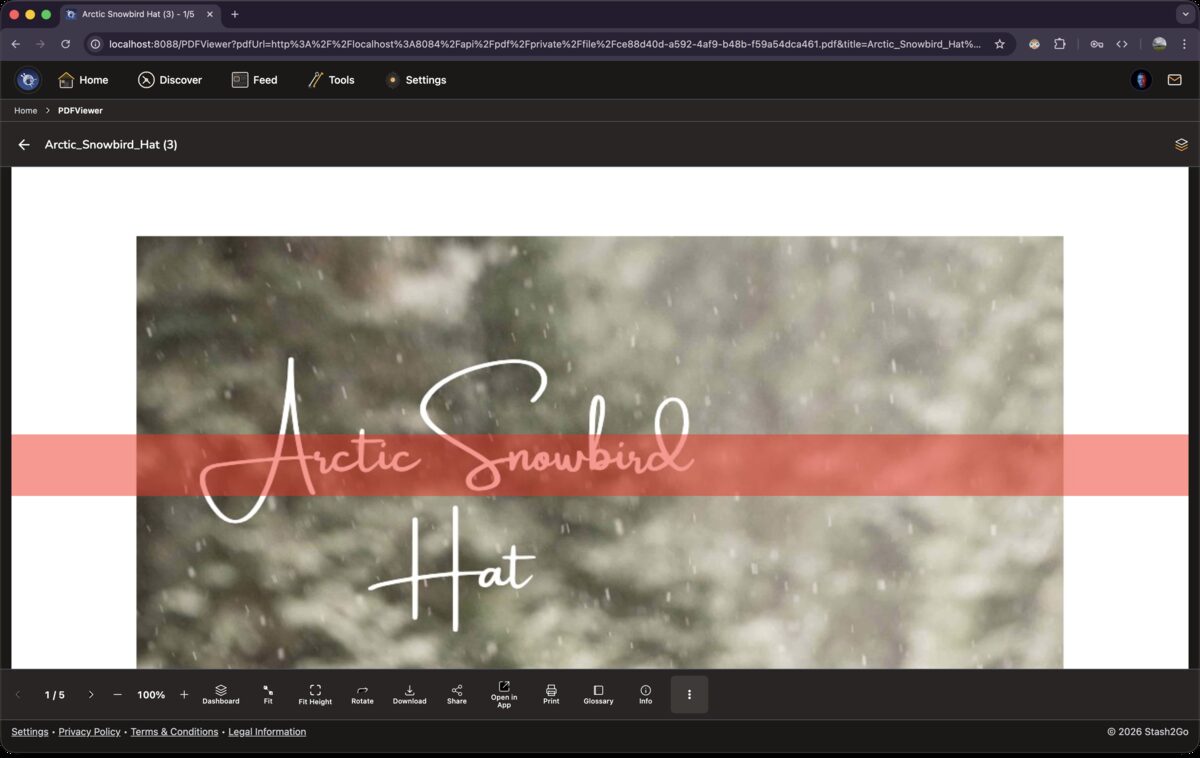
On a phone the sidebar tucks away, so the pattern has the whole screen. Tap the button in the top-right corner to slide it out. On tablets and in the web app it stays open beside the PDF, so you see both at once.
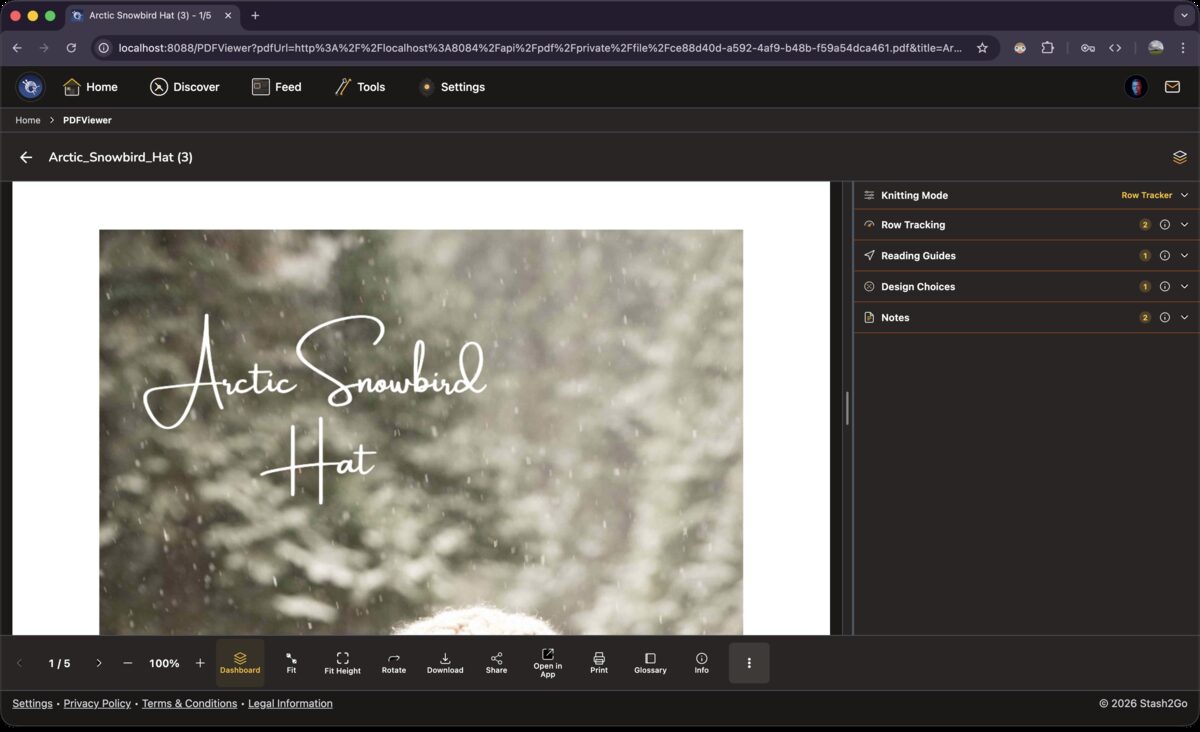
Row Tracker gives you the basics: row counters, reading guides, design choices and notes. That is enough for a straightforward pattern, where you are counting rows and jotting the odd thing down.
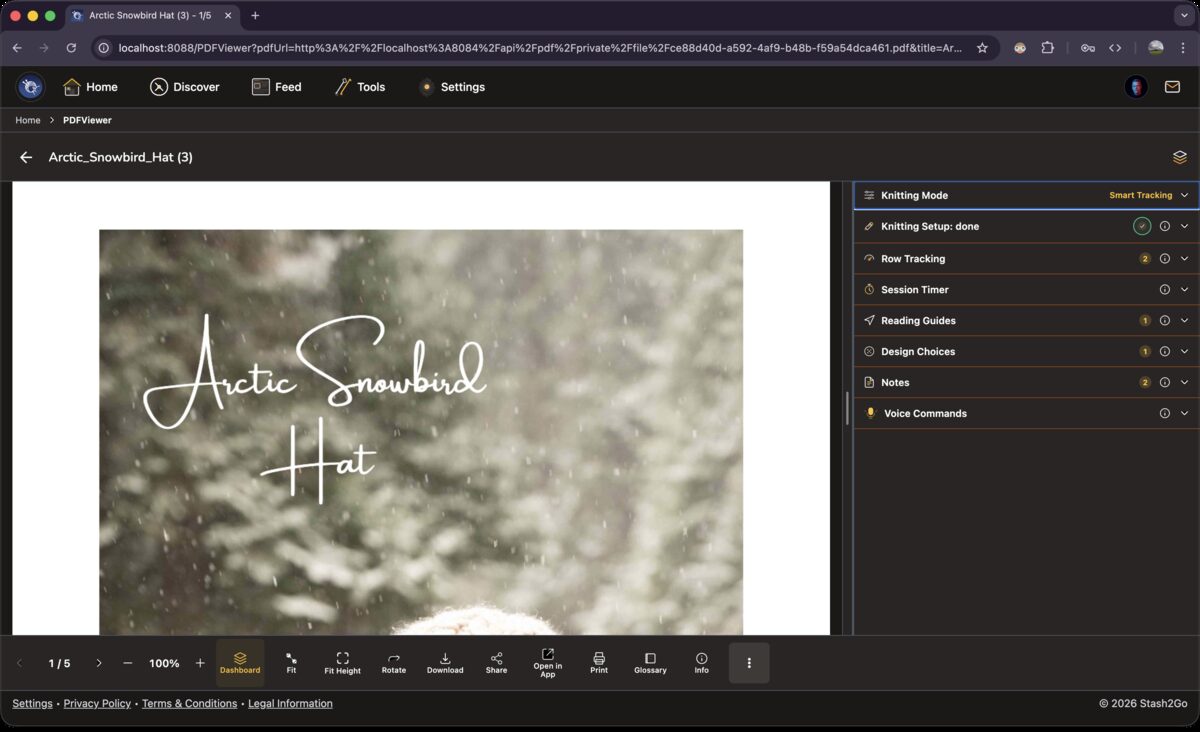
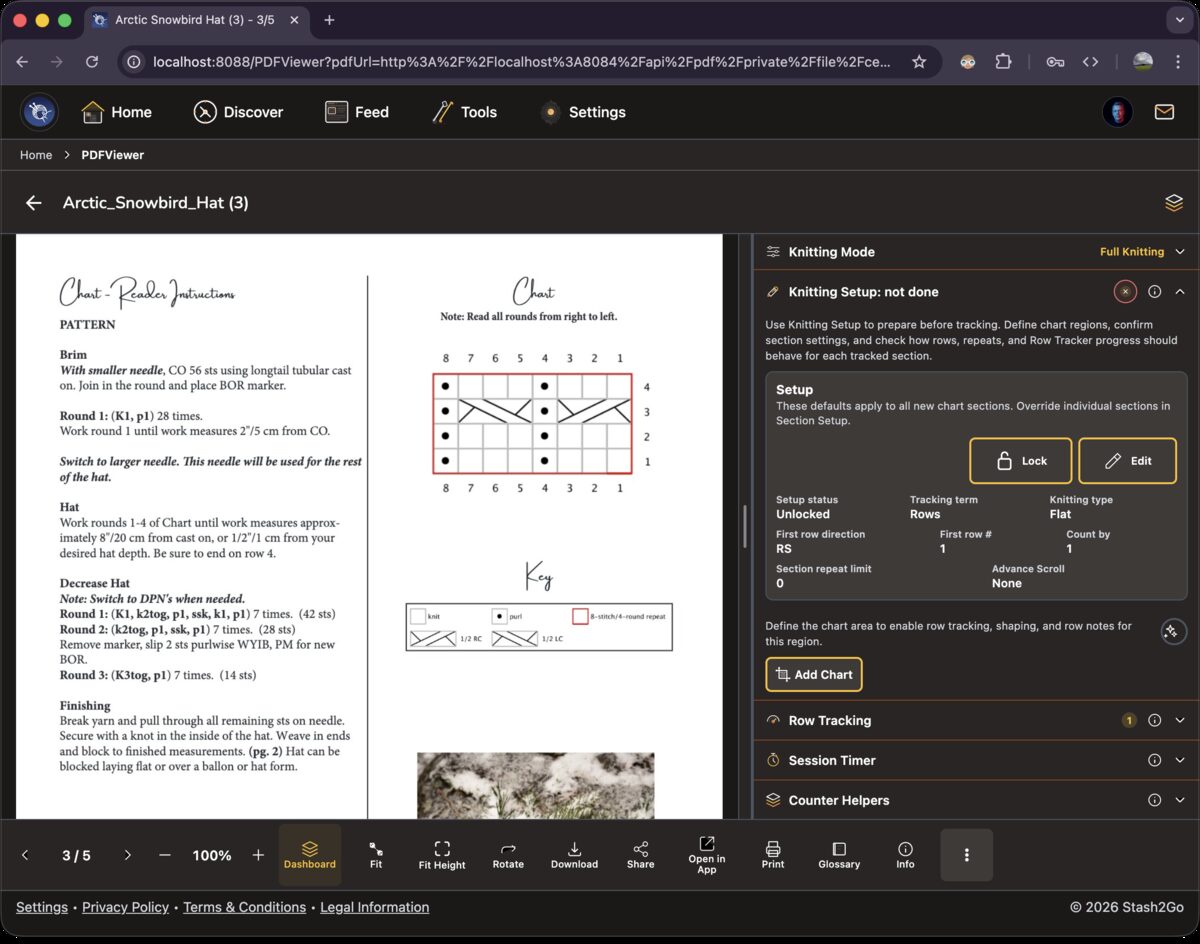
Smart Tracking adds Knitting Setup, where you mark out the charts on your PDF, plus a Session Timer and Voice Commands. Move your counter on and the chart row you are working lights up by itself. This is the one for colourwork, lace and cables. Smart Tracking and Full Knitting are Premium modes: see Premium. Row Tracker is free.
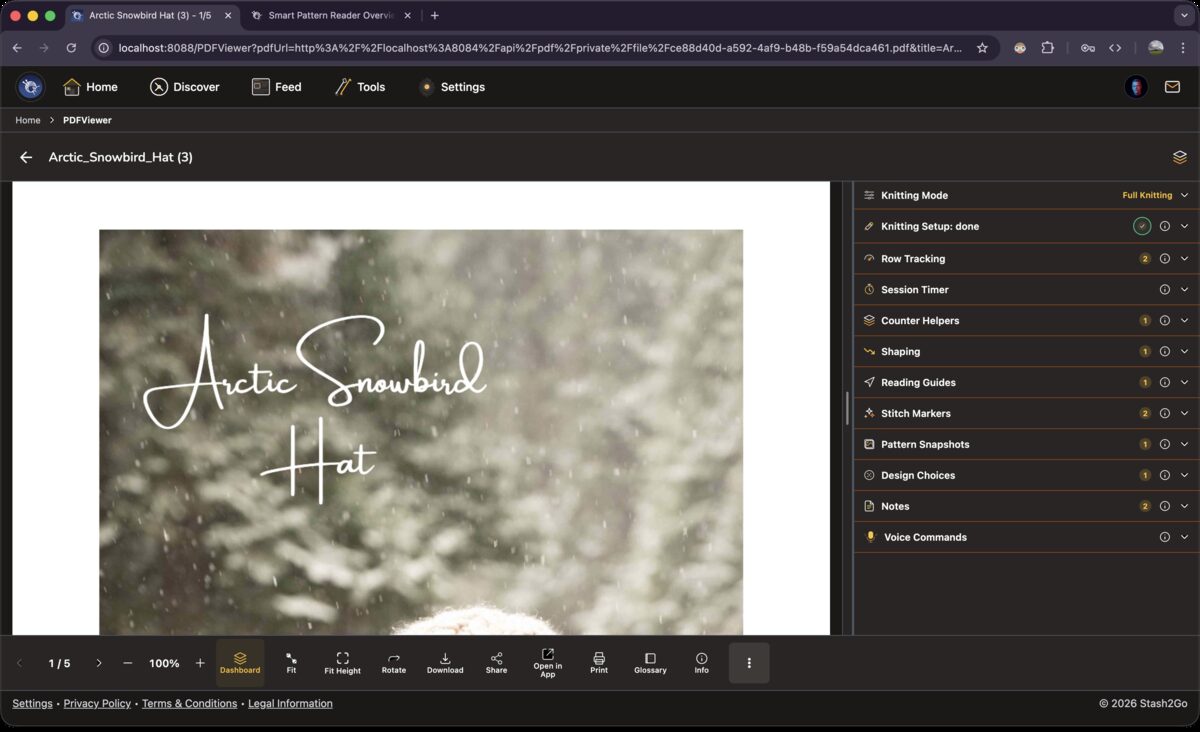
Full Knitting opens every tool. Shaping guides for increases and decreases. Counter Helpers for repeating sections. Stitch Markers on the chart cells. Pattern Snapshots, which pin a chart key or a sizing table beside the pattern. Add voice commands and you can work a complicated garment without touching the screen.
The whole sidebar travels between your paired devices. Start on the iPad at home, carry on with your phone at knit night, finish in the web app on a laptop. Row counters, notes, markers and shaping progress are all there, exactly where you left them.
A sweater is knitted in pieces, so the Dashboard can be split the same way. A bar across the top of the sidebar holds All, plus one pill for each part: Front, Back, Sleeve. You add, rename and delete those yourself. Pick a part and everything below it narrows to that part. The session timer still adds up across all of them.
If the reader cannot reach the Stash2Go service, it tells you and goes into a limited mode. Your counters keep counting. Setup, shaping, reminders and edits to linked counters are held back, rather than saved halfway. It sorts itself out when the connection comes back.
Available on iPhone, iPad, Android, and web at app.stash2go.com