36I want to take notes while knitting
Jot notes, write down what you decided, draw on the PDF, and pin the bits you keep looking up
The Smart Pattern Reader keeps your notes, your decisions and your reference pictures beside the PDF. No more hunting back through pages for a number you settled on weeks ago.
- Pattern notes need the PDF linked to a project, and a connection. Without those, the section says so instead of offering the button.
- Freehand drawing and Pattern Snapshots need Full Knitting.
- Public notes go to your Ravelry project page. Private notes never leave your account.
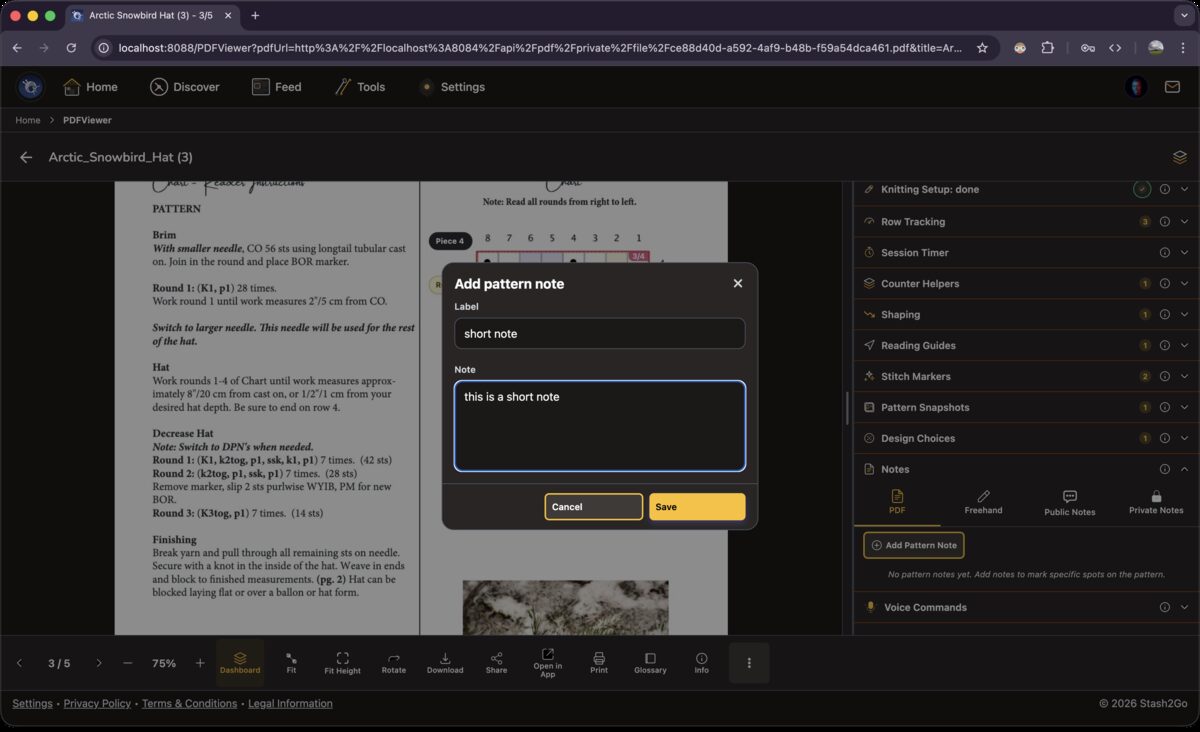
Notes sit in tabs. PDF notes are stuck to a place on the page. Freehand is for drawing on the pattern. Public and Private notes go to your Ravelry project. Tap "Add Pattern Note" for a note card that stays with your pattern file.
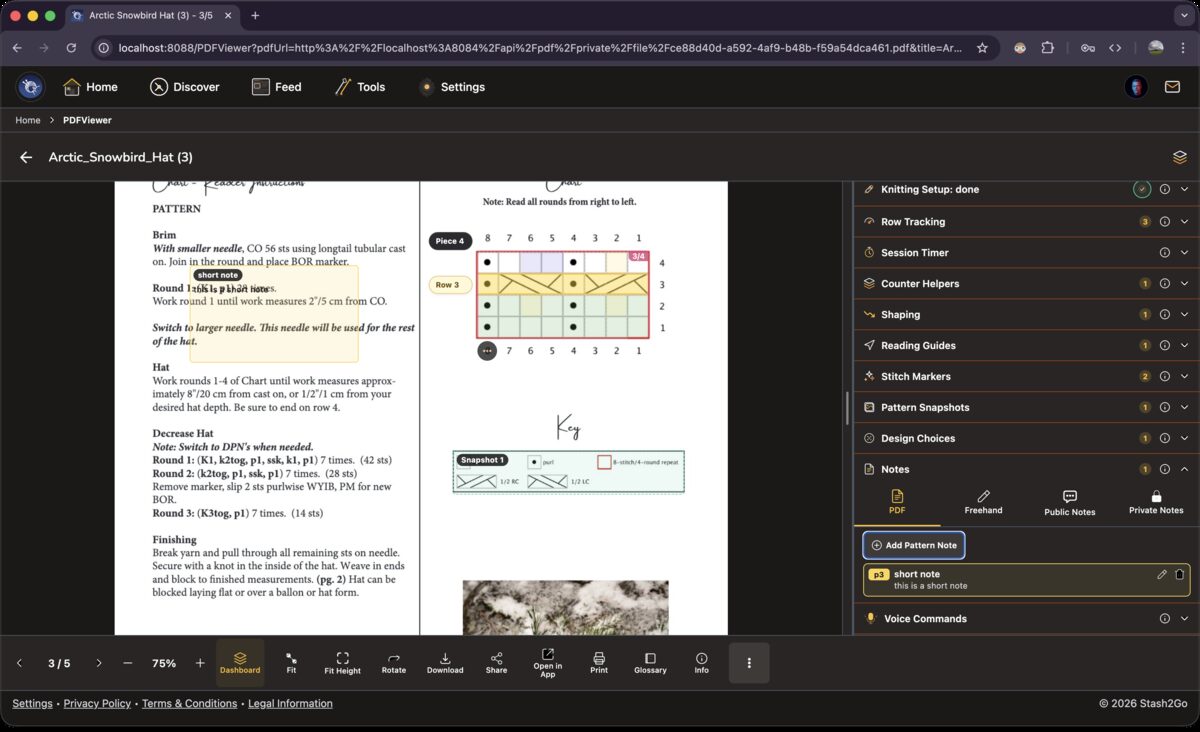
A PDF note attaches to one area of the page. Draw a box around it, type the note, and the note stays there. Good for a correction, a reminder, or a few words on a part that reads badly.
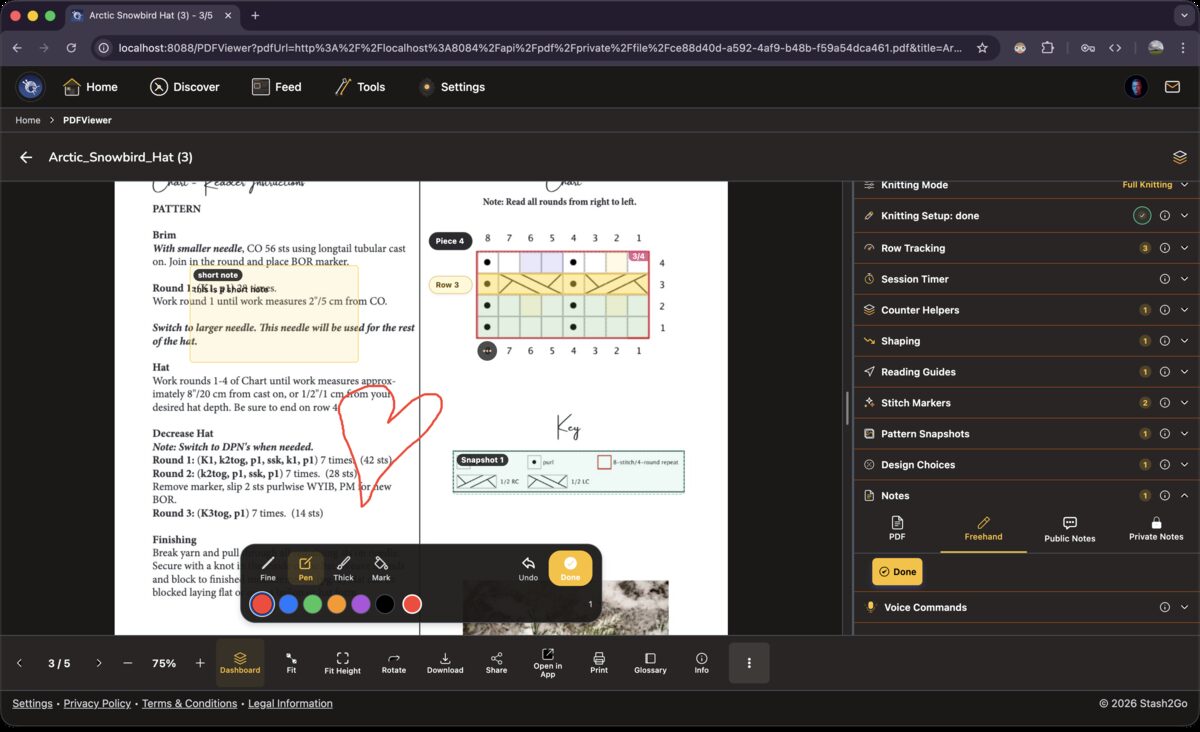
Draw straight on the pattern with a finger or a stylus. Circle the repeat for your size, cross out rows you have done, underline the numbers that matter. Start in the Notes section of the Dashboard: open its Freehand tab, tap Add Freehand Note, then pick a colour and a pen size. What you draw is saved page by page.
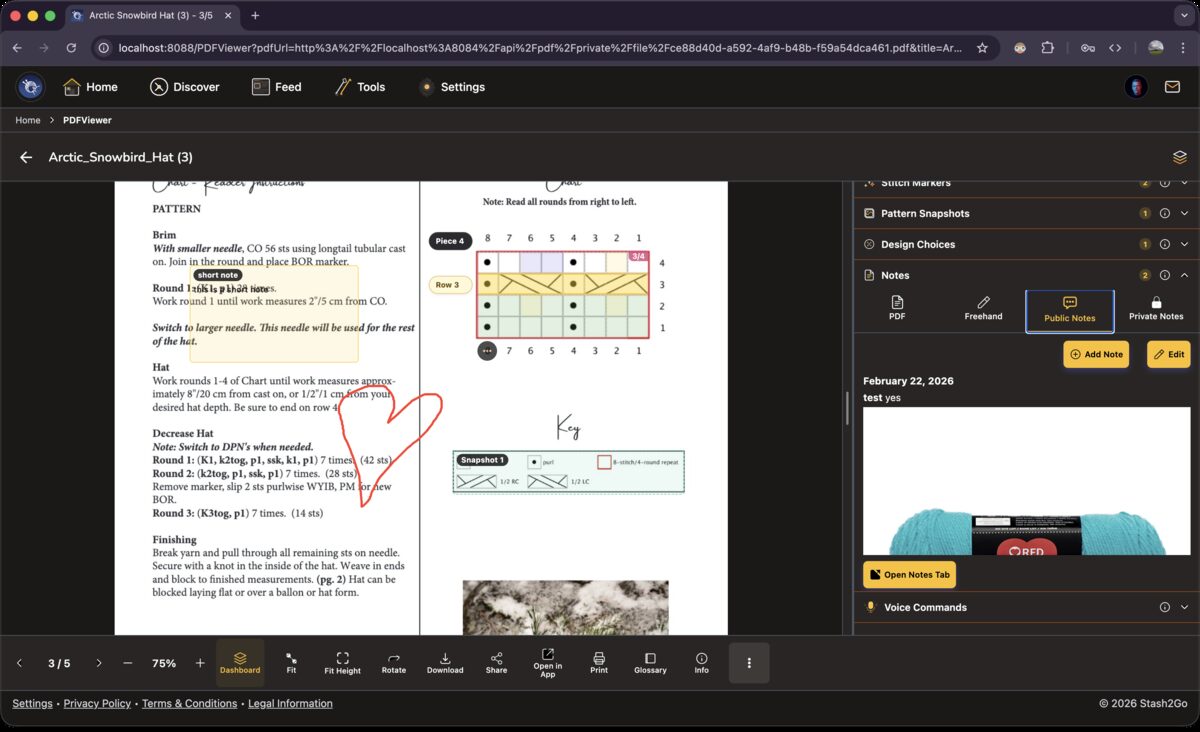
Public Notes appear on your Ravelry project page. That is the place for a change you made or a correction other knitters would want. Private Notes are yours alone, which is where the measurements for a surprise present belong.
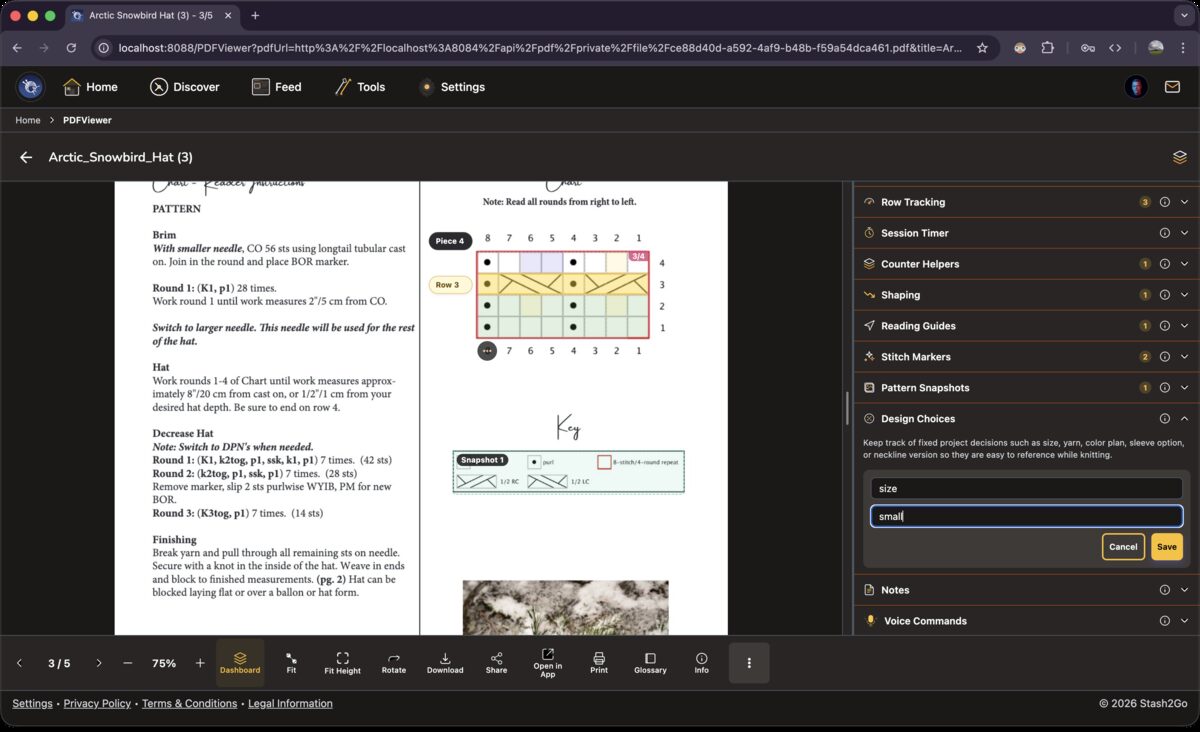
Design Choices holds each decision as a label and an answer. "Size: 40 inch chest." "Sleeves: three-quarter length." Then, when the pattern says "work 12 (14, 16, 18, 20) stitches", you look here to see which number is yours.
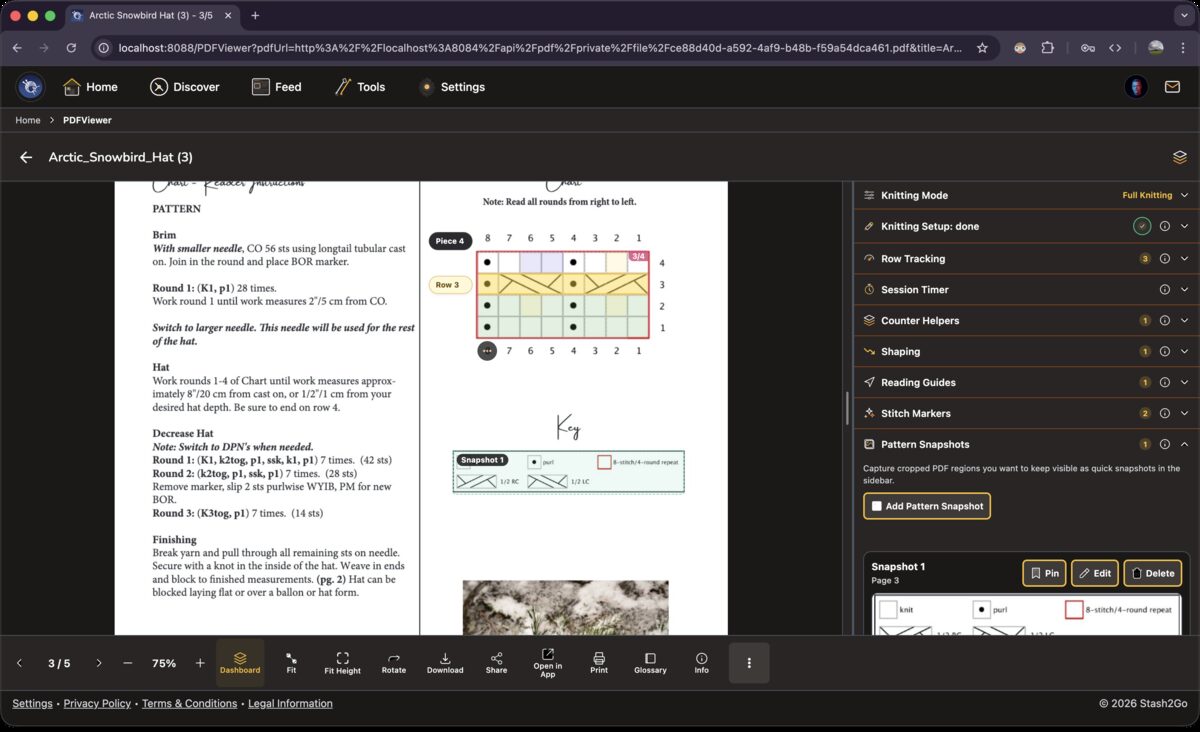
In the Dashboard's Pattern Snapshots section, tap Add Pattern Snapshot and draw a box around the part of the page you want. Take the chart legend, the schematic or the abbreviations list, and it stays pinned in the sidebar. No more jumping between pages.
Available on iPhone, iPad, Android, and web at app.stash2go.com