8I’m mid-project and need to track progress
Count rows, add notes, and update your project status
- Your own project. You can read anyone's, but only yours can be edited.
- A Ravelry account. Nothing to switch on.
- A project shows up to eleven tabs. The ones past the first few sit behind More.
The full walkthrough – progress, status and happiness, the edit sheet, counters and notes.
A shorter look – progress tracking, row counters and notes.
A walk through working on a project: progress tracking, row counters, notes, and more.
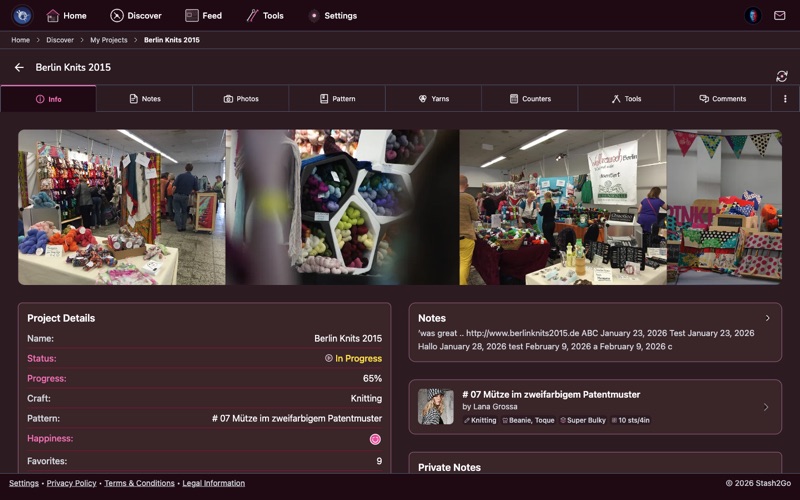
Go to your Projects tab and tap a project to open it. The Info tab shows where you are: your status, how far along you are, your happiness rating, and the rest of the project's details in one place.
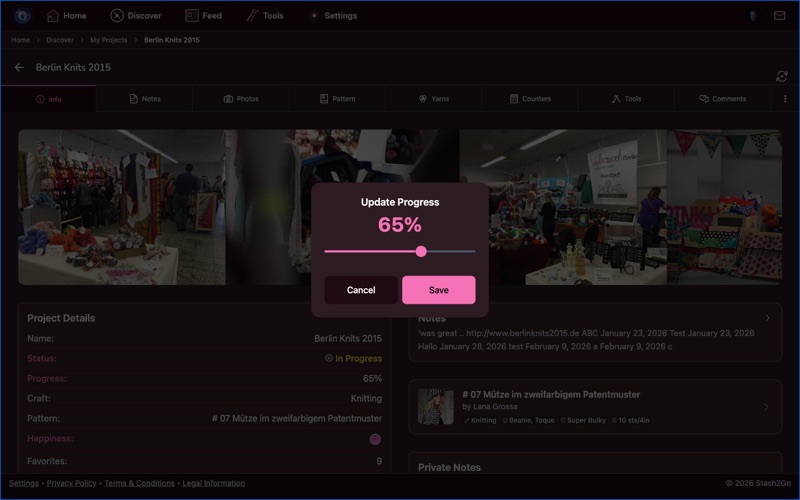
Tap the progress percentage and set it with a slider, from 0 to 100% in steps of 5%. Tap status to move between In Progress, Finished, Hibernating and Frogged. Tap the happiness rating to say how you feel about the project, on a row of five faces from very unhappy to very happy.
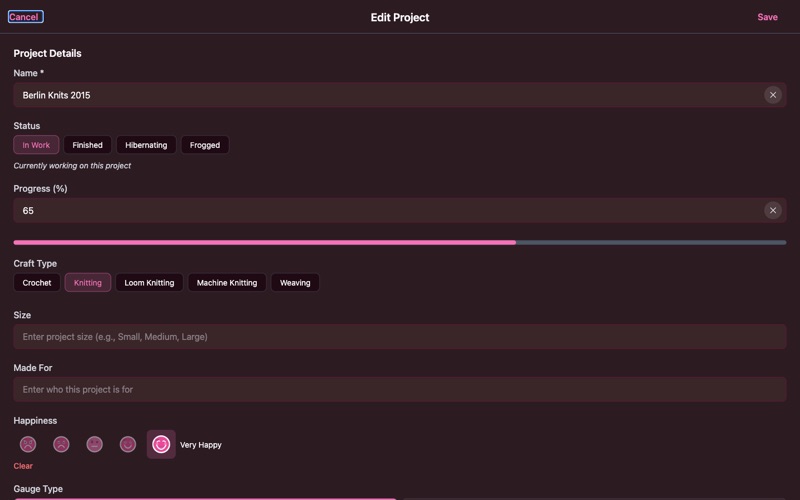
The Edit button lets you change the project's name, status, craft type (knitting or crochet), size, gauge, dates, notes and tags. You can set the started and completed dates and a finish by date for a gift, a test knit or a knit-along (the project page then counts the days left), say who it is being made for, and link a pattern to it.
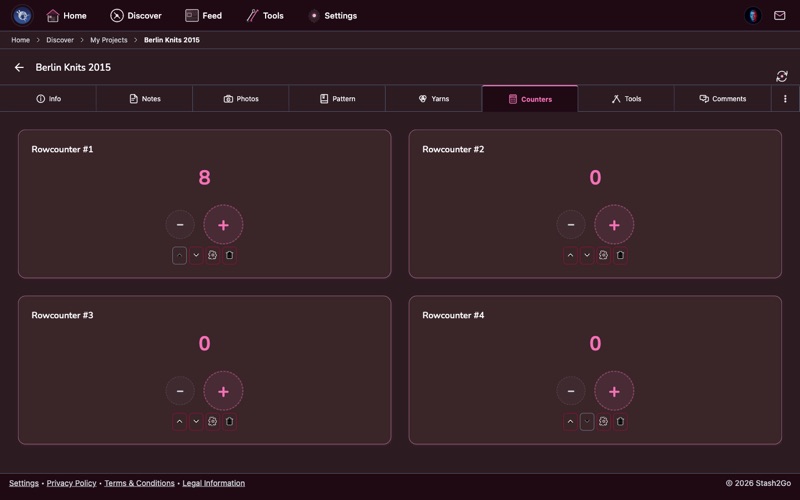
Go to the Counters tab and count your rows with the + and − buttons. Make as many counters as you need, one for each part: body, sleeves, pattern repeats. Each one gets its own name.
A counter can count up in steps of more than one, it can have a top value, and it can be chained to another counter so one rolls over into the next.
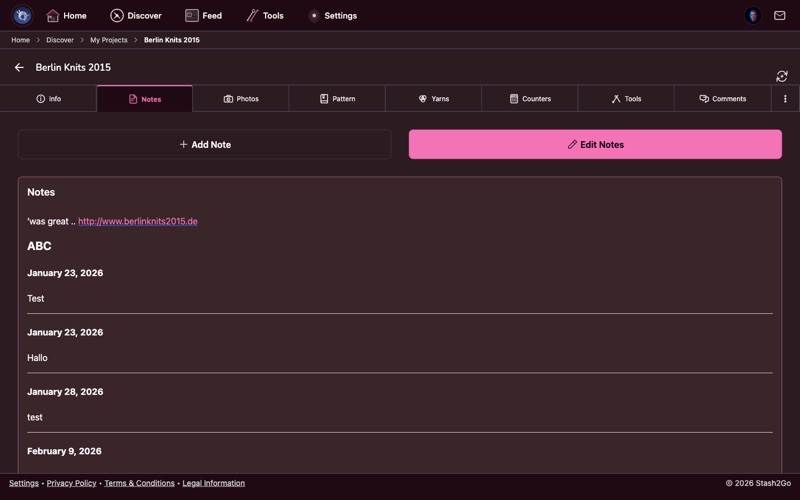
The Notes tab is a diary for the project, and it dates itself. Write down the changes you made, what your gauge swatch came out at, or a reminder for next time. Every note gets a date heading of its own.
You can edit an old note or add a new one whenever you like. Notes are synced with your Ravelry project.
If a pattern is linked to the project, the Pattern tab can show the designer's own photographs repainted in the yarns you are really using. That is worth seeing before you cast on in a colour scheme nobody has made up yet. This is Colour Swatcher, a beta that starts off. Switch it on in Settings → Appearance → Beta Features and it appears on the Pattern tab. See Colour Swatcher.
If your project is part of a knit-along, a KAL tab appears with the group's topics. Share progress posts an update into the thread, behind a spoiler warning where the group uses them, so nobody sees your finished yoke before they meant to.
Available on iPhone, iPad, Android, and web at app.stash2go.com