20I need my crafting tools
Needle manager, PDF reader, insights, calculators, offline downloads, and more
- Where the toolkit lives depends on your layout: its own Tools tab in Advanced mode, the Profile tab in Basic mode, and Settings → Tools & Resources in Classic mode.
- Basic mode shows a shorter list. Nothing here needs switching on, apart from the entries marked beta.
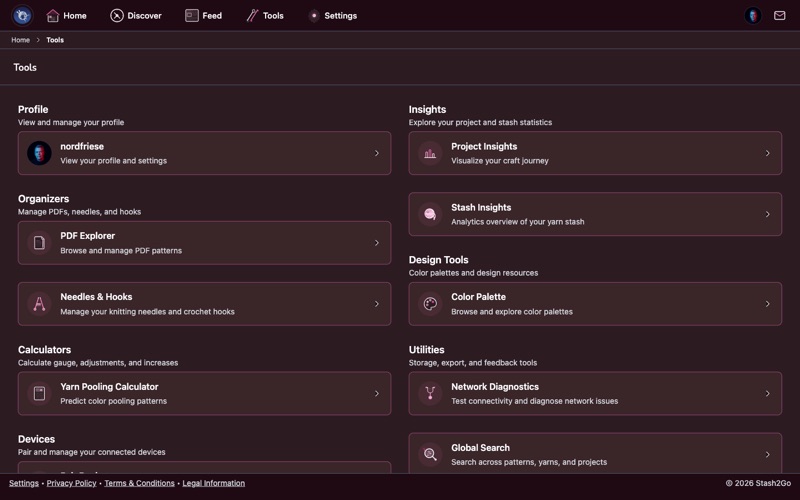
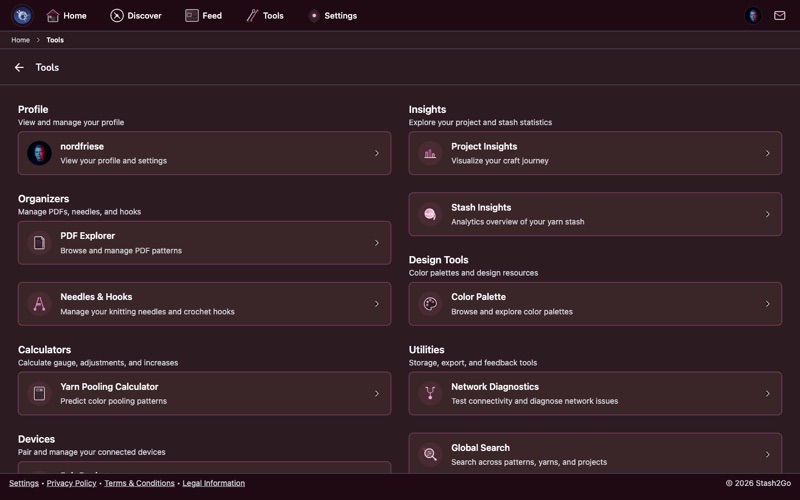
The Tools tab holds everything that is not a project or a pattern, in sections: your Profile, Insights (project and stash numbers, the Queue Matcher, and Studio if you have switched it on), Yarn Tools (yarn scanning), Organizers (Pattern Explorer, Needles & Hooks), Design Tools (color palettes, your videos), Calculators (gauge, units, yarn substitution, stitch glossary, yarn pooling), Offline downloads, Utilities (global search, guides, row counter export, unlinked purchase finder, network diagnostics, storage inspector, newsletter, feedback), and Devices.
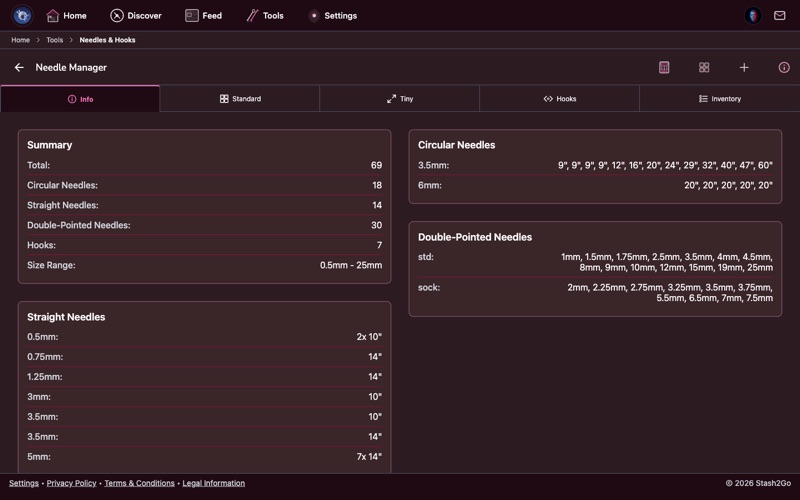
The Needle Manager holds your whole needle and hook collection. You can see which sizes you own, which are busy on a project right now, and which are free. That saves buying a second 4 mm circular.
Your needles come across from Ravelry on their own, so anything you added there is already here. You can also add and manage needles and hooks in Stash2Go itself (since version 1.23), so the whole collection is in one place even without Ravelry.
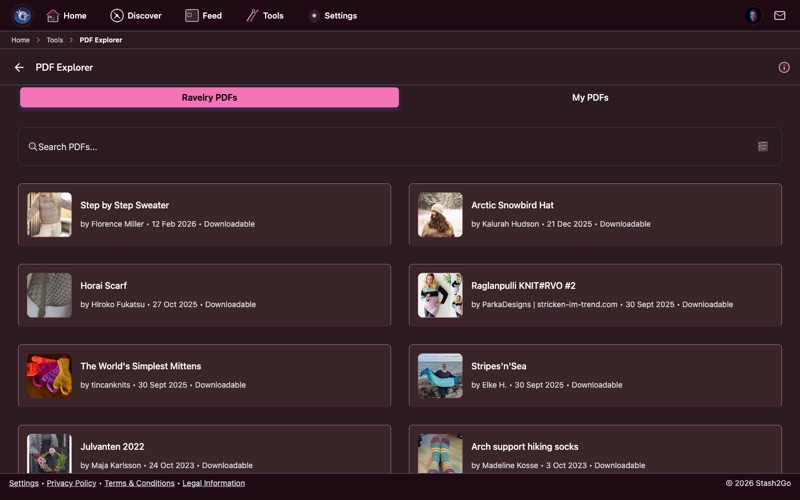
The Pattern Explorer reads pattern PDFs without leaving the app. It takes two kinds:
Ravelry Library PDFs - patterns you bought or downloaded on Ravelry. They turn up on their own, and they stay up to date when the designer publishes a correction.
Private PDFs - your own files: patterns from somewhere else, printed ones you have scanned, or your own notes. Everything ends up in one place.
The Smart PDF Viewer goes well past reading. Put a horizontal or vertical line marker on the row you are working. Bookmark a page. Zoom into a chart. Keep your row counters, your pattern choices and your notes in the side panel next to it all.
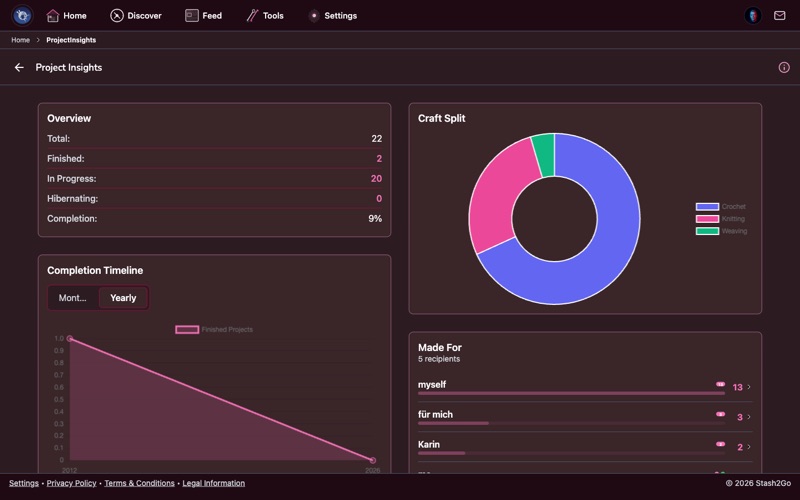
Project Insights stands back and looks at your crafting as a whole: how many projects you have finished, the yarn weights and fibers you use most, how long a project usually takes you, and how your habits have changed over the years.
Also under Insights: Stash Insights draws a picture of your yarn, and the Queue Matcher answers "what should I cast on next?" by pointing at queued patterns you could make with the yarn you already own.
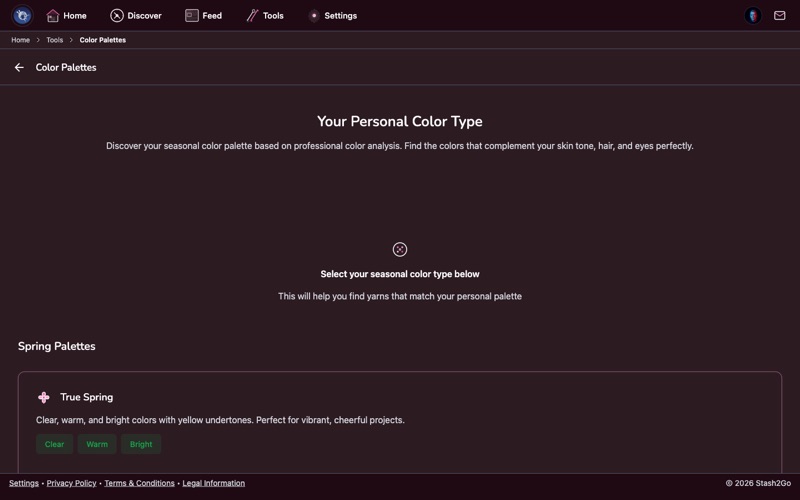
The Color Palette tool plans colour combinations for colorwork, stripes, and anything with more than one yarn in it. Pull the colours out of a photo of your yarn, build a palette from your own stash, or try new combinations on the colour wheel.
Point your camera at a yarn label or a skein and Stash2Go works out what it is, by matching it against Ravelry's database of over 100,000 yarns. Back come the name, the brand, the weight, the fiber content and the colorway. It is the quickest way to identify a mystery skein from the stash, or to log one you have just bought.
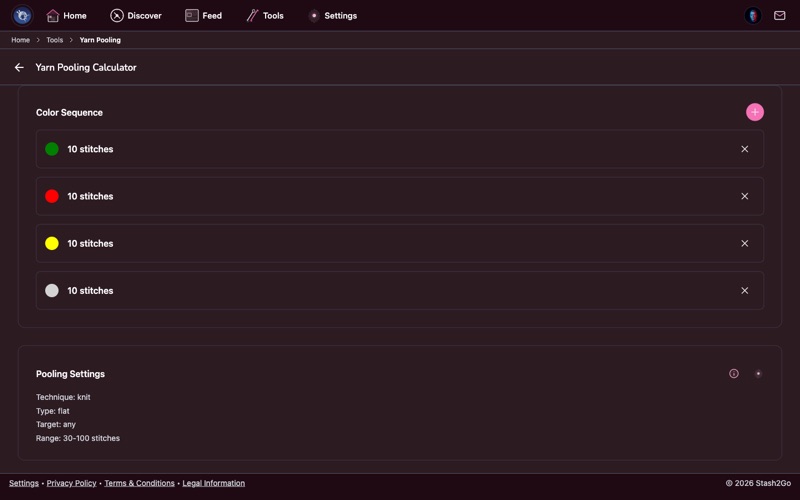
This works out colour pooling for variegated yarn. Enter the yarn's colour sequence, one colour at a time, with the number of stitches each one runs for. Then pick the range of stitch counts to try. Every count in that range is drawn as its own square swatch, so you can see which one gives the diamonds, stripes or blocks you are after.
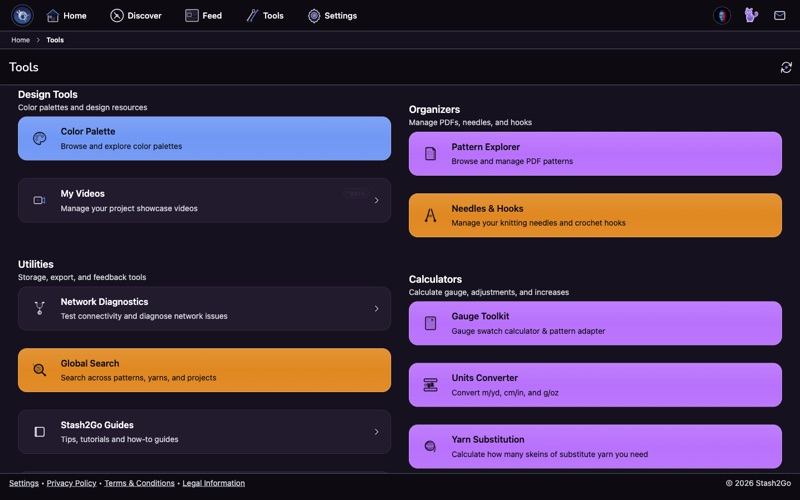
The Calculators section holds the math you would otherwise do on paper:
| Gauge Toolkit | A swatch calculator and a pattern adapter, for matching gauge. |
| Units Converter | Yards and meters, grams and ounces, and needle size systems. |
| Yarn Substitution | How much of the other yarn you need when you swap one for another. |
| Stitch Abbreviation Glossary | What k2tog, ssk and every other abbreviation means. |
The Offline section (iPhone, iPad and Android) downloads projects, stash, patterns and PDFs before you go, so they are all still there with no connection: on a plane, at a retreat, or anywhere the signal gives up.
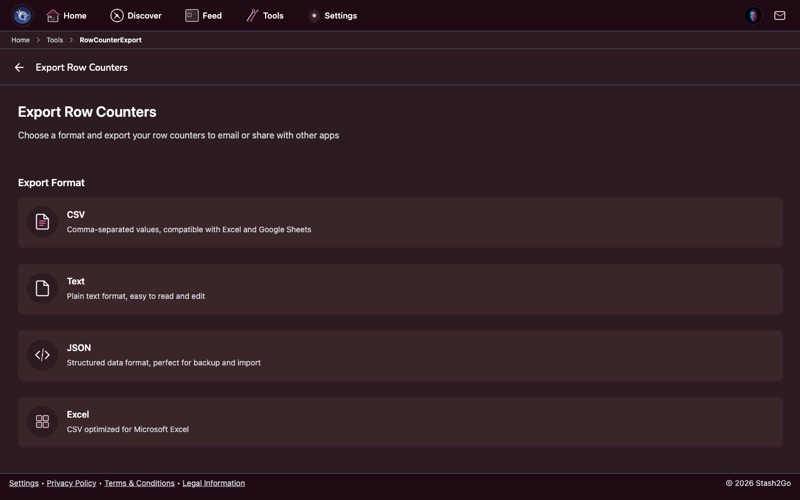
You can export your row counter sessions and keep them. Choose CSV, plain text, JSON, or a CSV made for Excel. It is useful for seeing how long a project took, for looking at your own pace, or simply for keeping a copy outside the app.
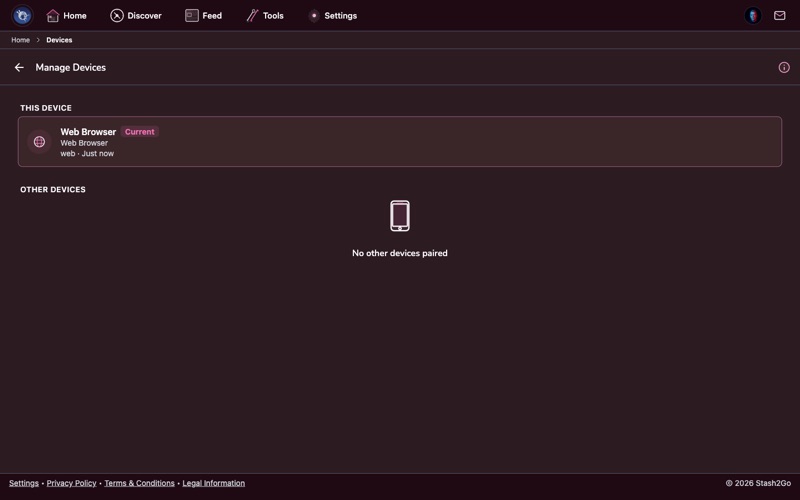
Tools → Devices holds two entries. Pair Device is where you type the 6-digit code an Apple Watch, Apple TV or Google TV is showing. Manage Devices lists everything connected to your account, with when each was last used, and unpairs the ones you have finished with. A television you signed into on the television itself needs no code. It appears in the list on its own.
Three quiet entries under Utilities earn their place when something is wrong. Network Diagnostics tests the connection and tells you what is failing, and wears a badge when the app cannot reach the network. Storage Inspector shows what the app is keeping on your device. Newsletter signs you up for occasional news about Stash2Go.
Your Profile sits at the top of the Tools screen, and Studio appears under Insights once you have switched that beta on.
Available on iPhone, iPad, Android, and web at app.stash2go.com