29I want to pair my devices
Sync counters and settings across phone, tablet, TV, and watch
- A Ravelry account signed in on your phone or tablet. The paired device borrows that session.
- The Devices section lives in Advanced mode. In Basic mode, switch to Advanced mode under Settings first.
- Every device is on your own account. Pairing shares nothing with anyone else.
- Presentation mode needs no switch. It is always in an item's menu. If you also want play and skip buttons in the navigation bar, turn on Presentation buttons in the header under Settings → Appearance → Behavior.
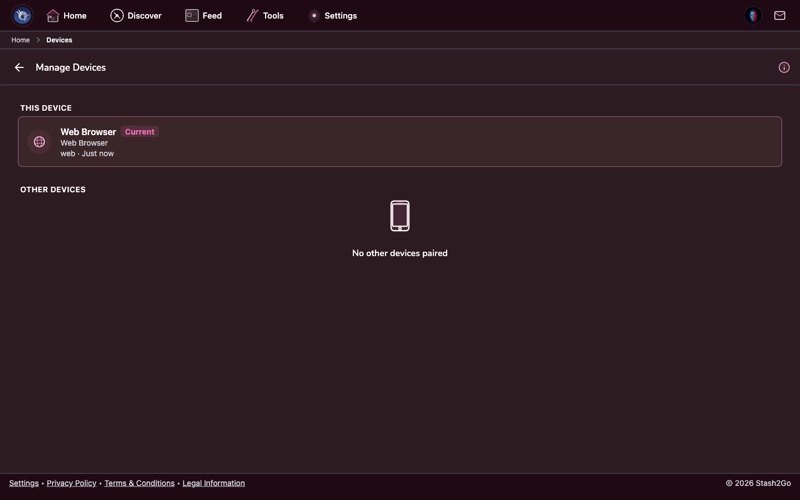
Go to Tools → Devices → Manage Devices. Everything signed in to your Stash2Go account is listed here: phones, tablets, watches, televisions and browsers. Each one shows its name, what kind of device it is, and when it was last used. The one in your hand carries a "This device" badge.
The same section holds Pair Device. That is where every pairing code goes. A television you signed into on the television itself needs no code. It introduces itself and turns up in this list on its own.
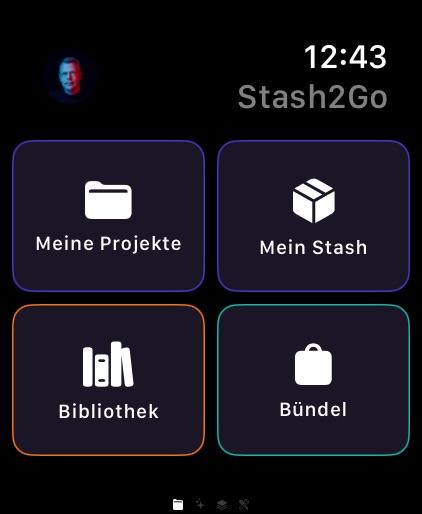
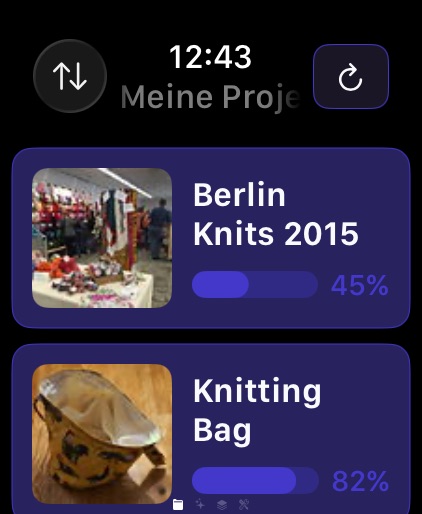
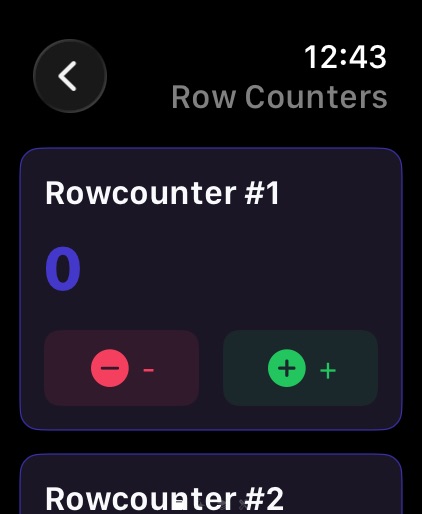
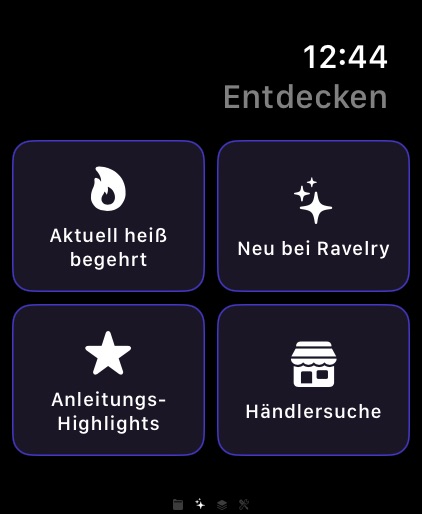
Pairing starts on the watch. Open Stash2Go on your Apple Watch and it shows a 6-digit code. On your phone, go to Tools → Devices → Pair Device, choose Apple Watch, type the code, and say yes to the Ravelry request. Once it is paired, the watch can do this:
| Row counting on your wrist | Tap to move the counter on without putting your needles down. The number reaches your phone straight away. |
| Project list | Your projects on the go, with names, how far along each one is, and photos. |
| Pattern quick-view | A glance at the pattern for the project you are working on. |
| Hot Right Now | Trending patterns on your wrist, when you want an idea. |
| And the rest of your notebook | Stash, library, bundles, your feed, yarn shop search, and people and yarn pages, all on the wrist. |
Your language, your units and your colour theme go across to the watch on their own.
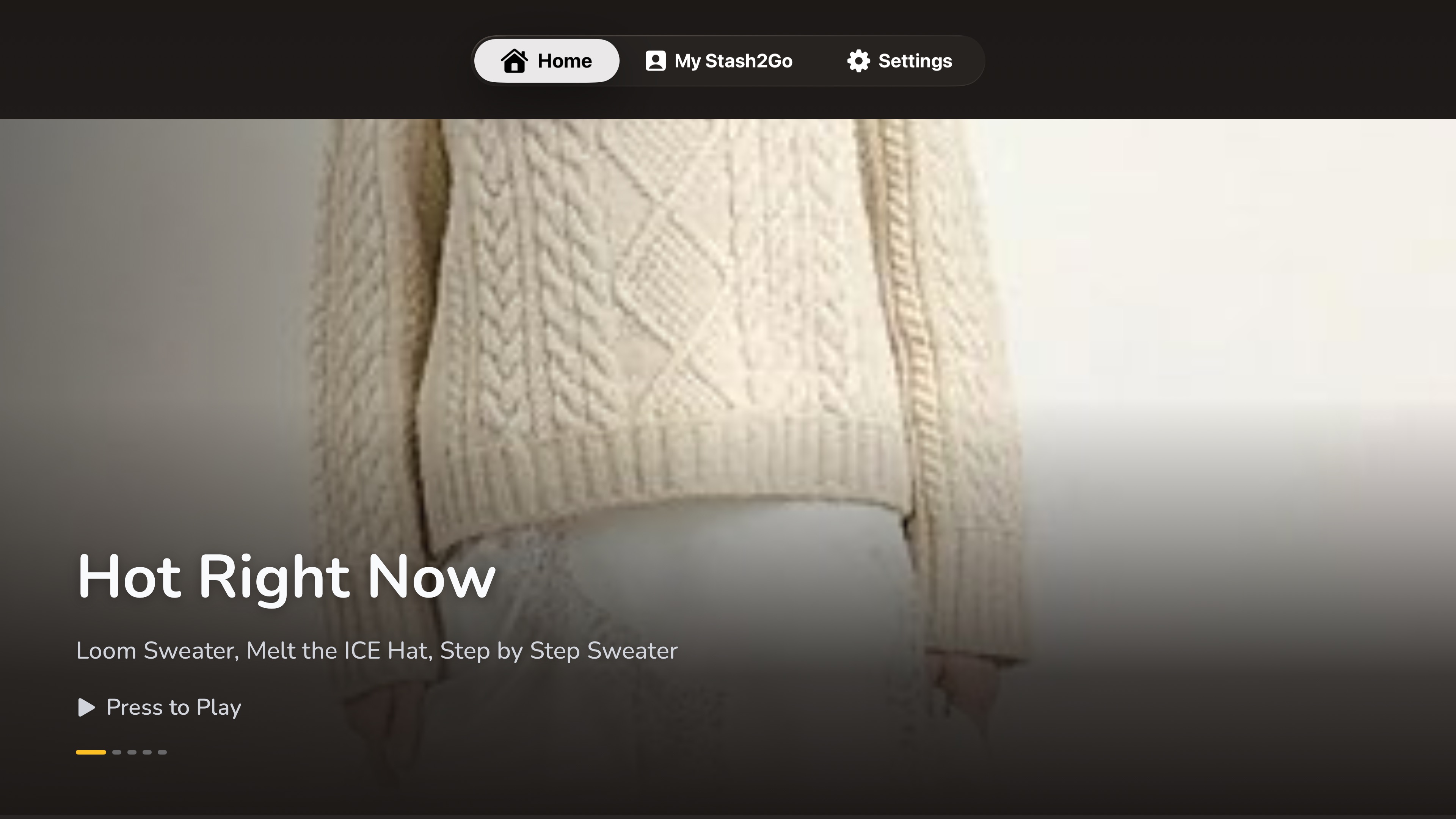
Install Stash2Go on your Apple TV. There are two ways in. Sign in on the television itself: "Sign In Here Instead" runs the whole Ravelry login there. Or let it show a 6-digit code, and type that into Tools → Devices → Pair Device on your phone. A television you signed into is already yours, so it turns up in your device list on its own.
The Apple TV app is made for the big screen and driven with the Siri Remote. It uses the app's own craft icons and surfaces. It speaks all 26 languages, and follows whichever one your phone is set to.
| Discover patterns | Hot Right Now, New Patterns, Free & Popular, Random Patterns, and themed rails: Hats, Mitts & More, Aran & Cables, Lace, Socks, Sweaters, Baby Knits, Textured Stitches. Photographs keep their own shape instead of being cropped into a grid. |
| Notebook | Your projects on the go, things you finished lately, favorites, queue, bundles, yarn stash and library. |
| Presentation mode | A fullscreen slideshow, with photos that drift and zoom slowly (the Ken Burns effect), background music (instrumental, or the knitting-songs playlist), pattern notes if you want them, and a QR code your phone can scan to open the pattern. |
| Saved searches | Your pinned pattern searches, with seasonal suggestions beside them. |
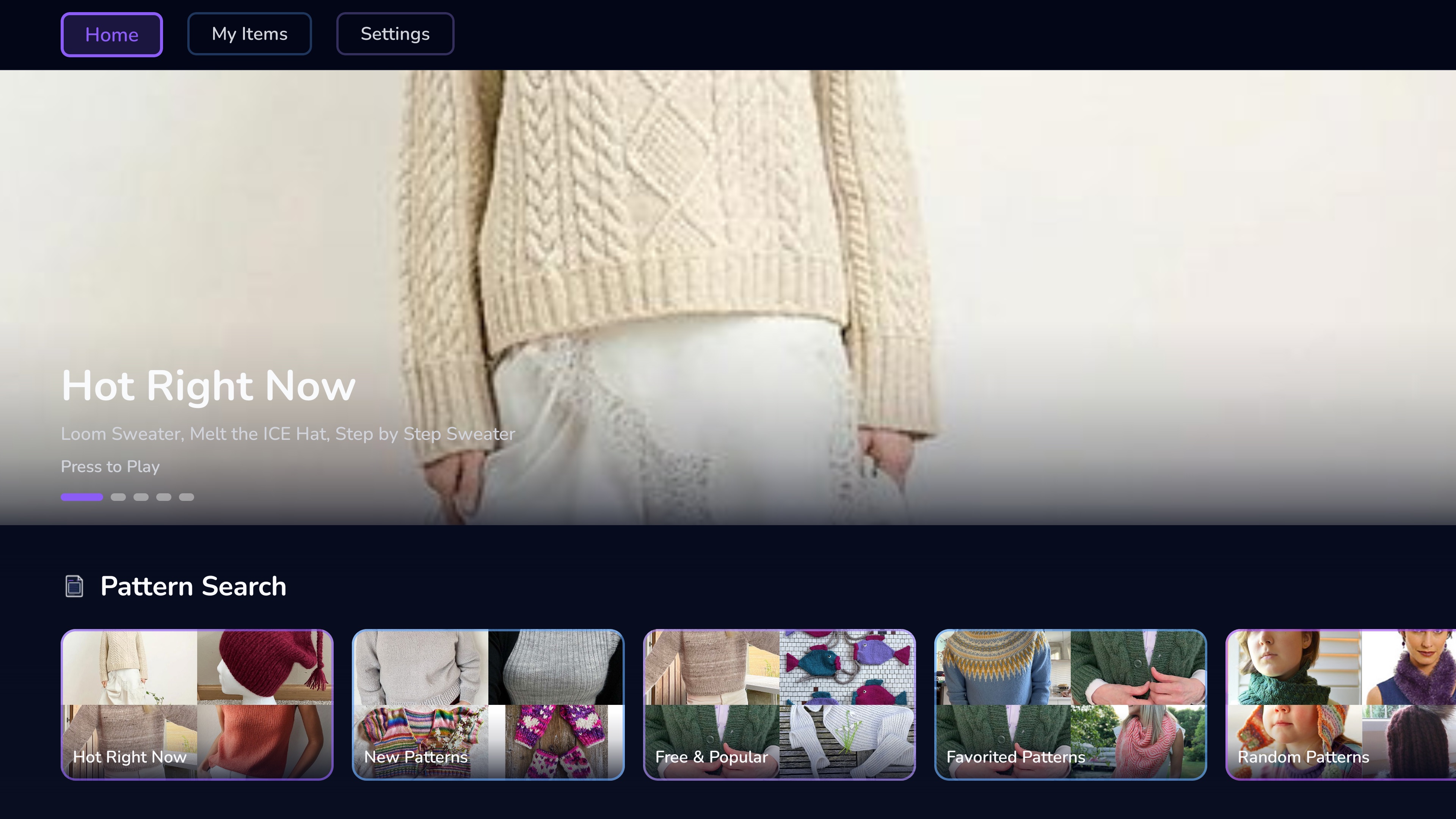
Install Stash2Go from Google Play on your Google TV, Android TV or Chromecast with Google TV. Pair it with your phone using the 6-digit code, or sign in on the television with your Ravelry account. It is a full app of its own, built on the same idea as the Apple TV one, with one difference: it keeps its own settings rather than following your phone.
| Home tab | Hot Right Now, New Patterns and seasonal rails to browse. |
| My Items tab | Projects on the go, things you finished lately, queue, favorites and bundles. |
| Presentation mode | A fullscreen pattern slideshow, with photos that drift and zoom slowly (the Ken Burns effect), background music, QR codes and Knit Night mode. Timing is 30, 15, 10 or 5 seconds per pattern. The Apple TV has its own, finer set, so the two do not match. |
| Settings tab | Theme, appearance, presentation speed, music, mode and overlays, all set here on the television. |
Once a television is paired, the play button on a pattern asks where you want it: This Device, or Follow along on your TV. Pick the television and whatever you open on your phone shows on the big screen too. You keep browsing in your hands while the room watches. Stop following ends it.
What travels is your setup: your timing, how many photos each pattern gets, the crossfade, whether notes are shown, and your theme. A television with its own settings keeps them for its own slideshows. It just does not overrule yours while it is following you.
The list shows every paired device and when each was last seen. To take one off, tap its delete button and confirm. Row counters, settings, appearance and theme keep themselves the same on every device still on the list, without you doing anything.
Available on iPhone, iPad, Android, and web at app.stash2go.com