2I want to find something inspiring
Browse trending patterns, highlights, and match your stash
- The Discover tab. It is there in Basic mode and in Advanced mode, though Basic mode shows fewer cards.
- Some entries only appear once you switch them on. Assisted Search, Multi-Yarn Matchmaker, Top Craft Value and Studio all have to be turned on first.
The full walkthrough – every section of the Discover tab, opened in turn.
A shorter look – trending patterns, highlights, and new releases.
A walk through the Discover tab: trending patterns, highlights and new releases.
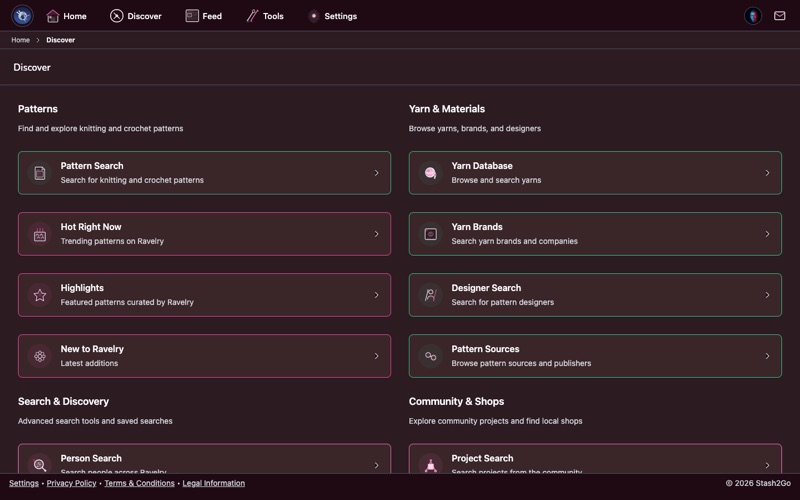
Tap Discover in the navigation bar. Everything for finding patterns, yarns and designers is here, in sections:
| Pattern Search | A full search, with filters for craft, weight, gauge and more. |
| Hot Right Now | The patterns people on Ravelry are looking at right now. |
| Pattern Highlights | Collections picked by Ravelry's editors. (In Basic mode this card is replaced by your Pinned Content.) |
| New to Ravelry | The newest patterns designers have published. |
Discover is a list of four sections. Scroll down to Yarn & Materials for Yarn Database, Yarn Brands, Designer Search and Pattern Sources. Search & Discovery holds Person Search and your Pins. Community & Shops holds the forums and the shop finder.
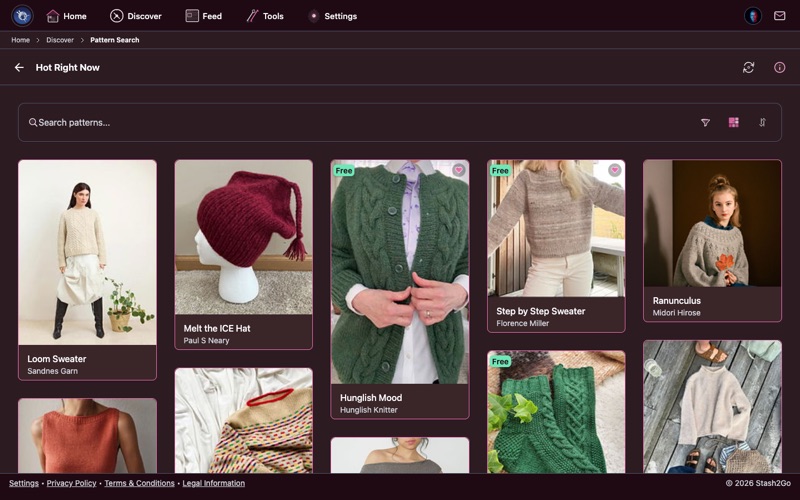
Hot Right Now is what the Ravelry community is paying attention to at this moment: the designs people are queuing, hearting and casting on. The search bar narrows it down. The view button beside it swaps between grid and list.
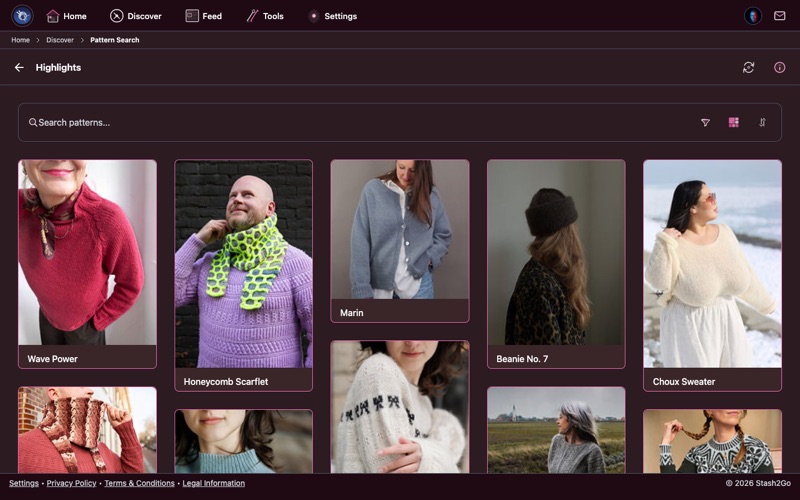
Highlights are collections chosen by hand by Ravelry's editors. They group patterns by occasion, season, technique or style. That is a good way to look when you know the sort of thing you want, but not which pattern.
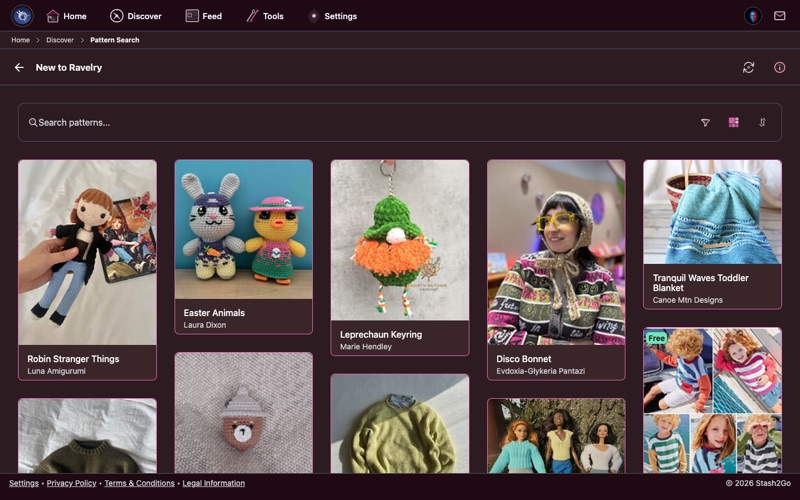
New to Ravelry is the newest patterns designers have published. This is where you catch a release before everyone else has seen it.
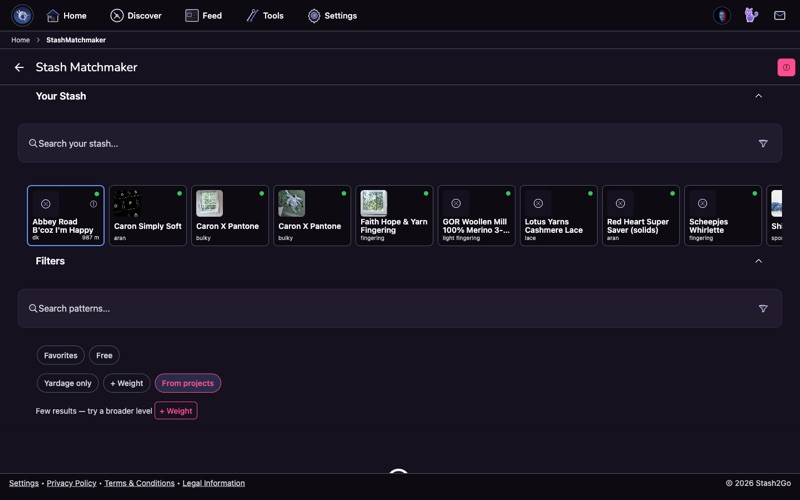
Open the Stash Matchmaker from the Discover tab to find patterns that fit yarn already in your stash. The Stash Matchmaker guide goes through it properly.
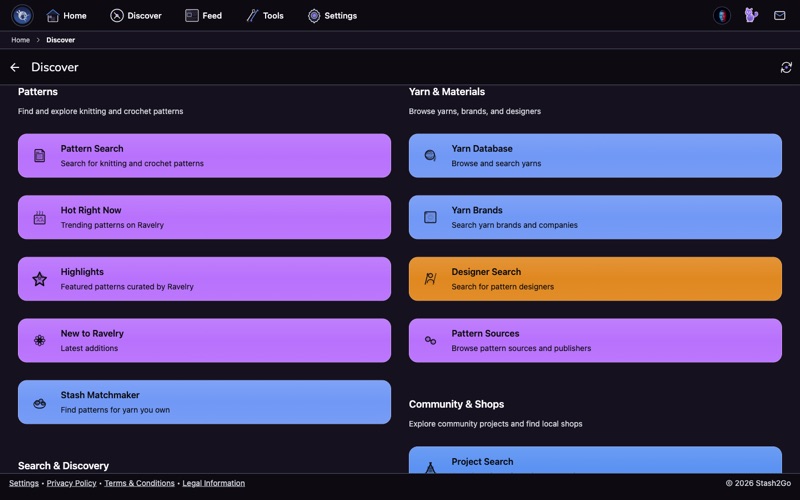
Scroll to Yarn & Materials for the Yarn Database, Yarn Brands and Designer Search. That is where you read up on a yarn, or on the designers who work with it.
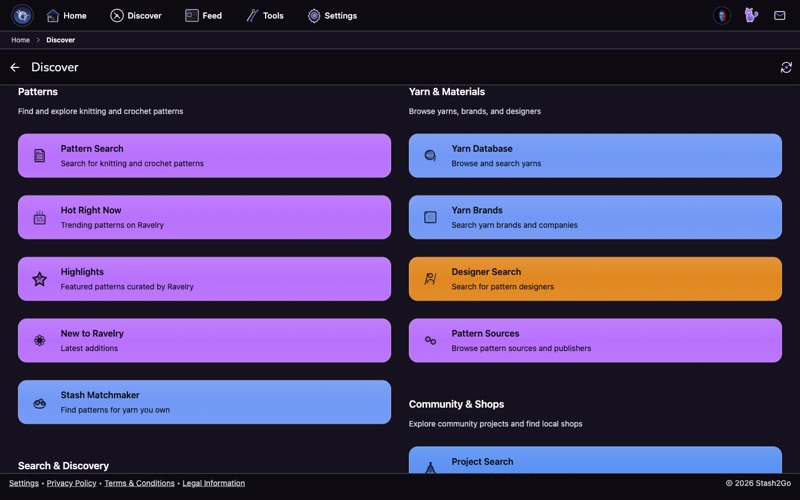
Further down, Community & Shops is for looking through projects other people have made, and for finding yarn shops near you.
Available on iPhone, iPad, Android, and web at app.stash2go.com