15I want to find a yarn shop
Discover local yarn stores or plan a yarn crawl
- Nothing to switch on. Letting the app see where you are is optional. Without it, search by city or address.
- A Ravelry account only if you want to add or edit a shop.
- Works on iPhone, iPad, Android and the web.
A short walk through the shop locator: how to find yarn shops near you, or anywhere in the world.
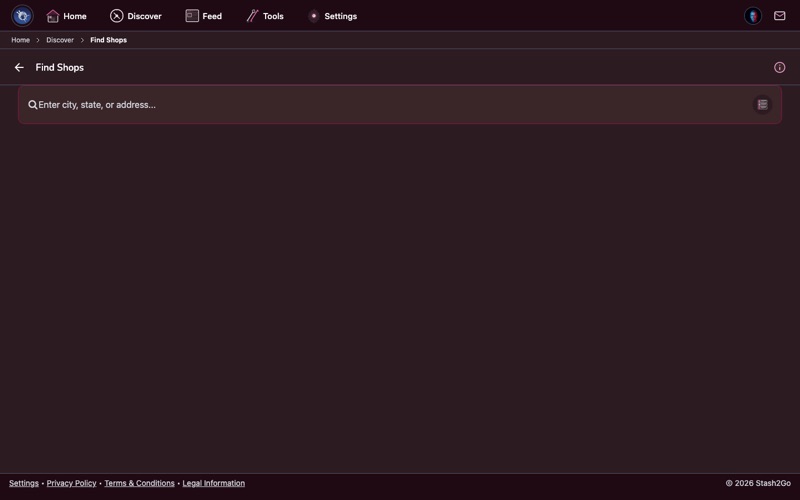
Go to Discover → Find Shops, in the Community & Shops section. It puts yarn shops on a map, starting from where you are. Browse what is nearby, or search for shops anywhere in the world.
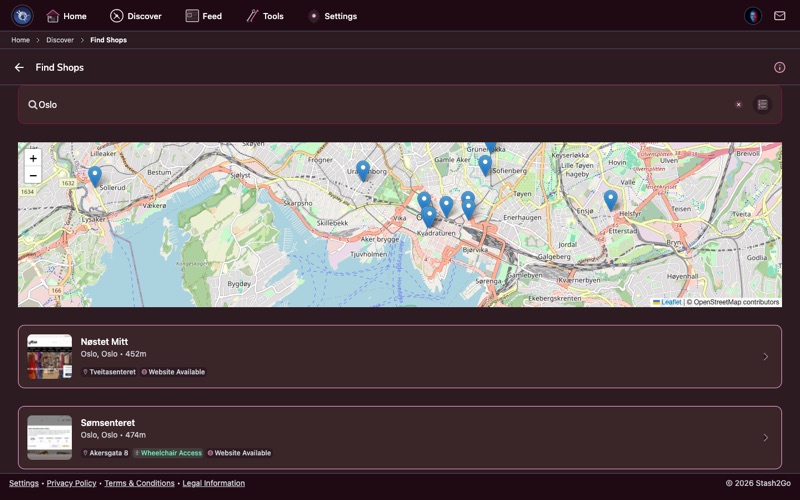
Type a city, a region or an address in the search bar, "Oslo" for example. The map moves there and shows every yarn shop in the area. Each pin is a shop. Below the map is the same set as a list, with names, ratings and how far away each one is.
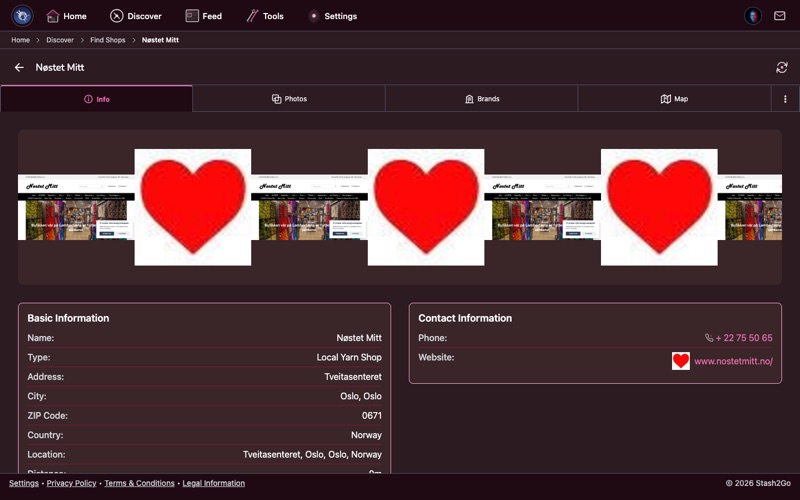
Tap a shop to open its page. It holds the full address, the opening hours, the phone number, a link to the website, and a directions button that hands over to your maps app. There are photos and Google reviews as well.
On the map, tap a pin for directions. On a phone that opens your maps app and drives you there turn by turn.
Tap Add Shop to add a yarn shop that is not listed on Ravelry. Two of the three ways in do the typing for you. Website URL reads the shop's own site and fills in what it finds. Google Search lets you pick the shop out of Google's places, and takes its address and hours from there. Either way, you can correct anything by hand before you save.
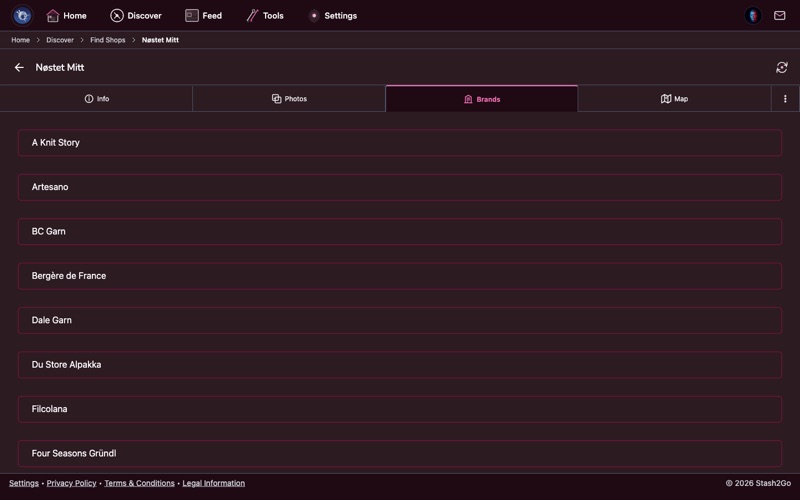
The Brands tab lists the yarn brands a shop carries. Tap a brand to see that maker's yarns. It is the quick way to find a particular brand near you when you are planning a yarn crawl.
A shop page has tabs, and only the ones with something in them show up: Info (address, phone, website, directions), Photos, the Brands it carries, Hours, Promotions, and a Map. Checking Hours before a detour, and Brands before a yarn crawl, is the whole point of the page.
Available on iPhone, iPad, Android, and web at app.stash2go.com