47I want something good to read
A weekly knitting and crochet read in your Feed tab. It is a beta, switched on in Settings
- The Magazine is a beta and off by default. Turn it on in Settings → Assisted Features → Magazine, or from Feed Settings.
- It is hidden while Turn AI off completely is on.
- Articles are written in English only, whatever your app language.
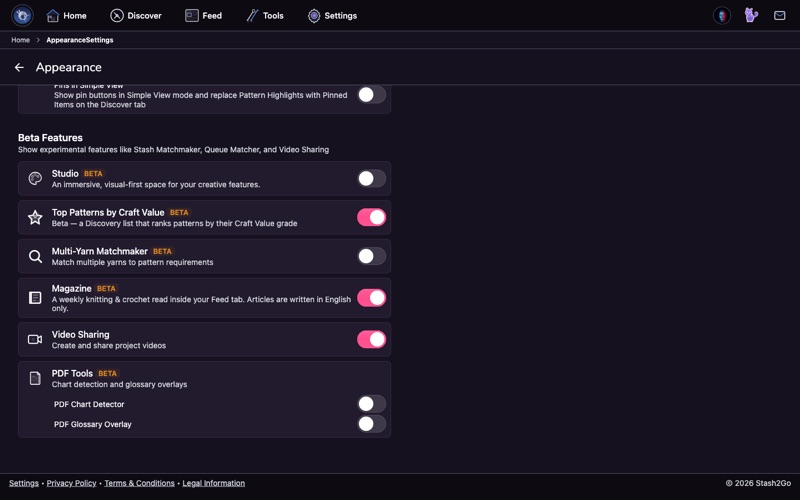
The Magazine is a beta, and it is off to start with. Your Feed tab shows no Magazine until you switch it on. Open Settings → Assisted Features and turn on Magazine. It sits there rather than under Appearance because a machine writes the articles, which is also why it carries an AI tag.
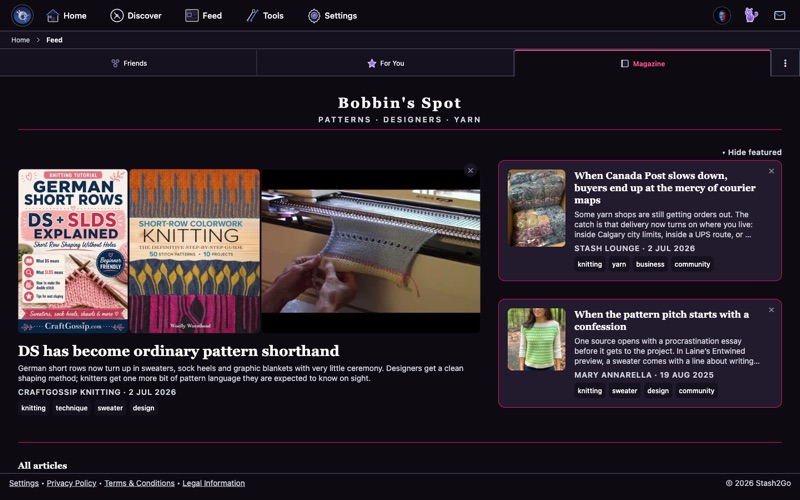
Once the beta is on, your Feed tab gains a Magazine segment. Switch to it and the current issue opens under the Bobbin's Spot masthead: patterns, designers and yarn. A new edition arrives every week. If you catch it while one is being put together, you will see "Your issue is taking shape", and you can come back shortly.
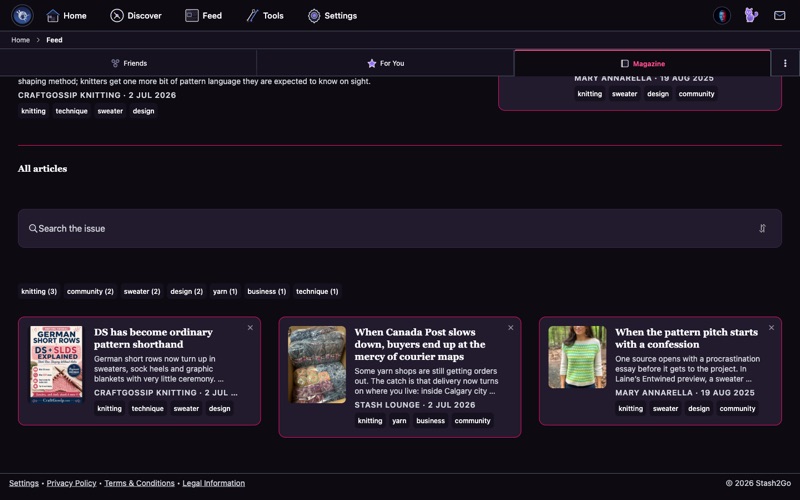
Each issue is about the craft itself: designs, techniques and yarn. Under the featured stories, the All articles list lets you search the issue and narrow it by topic tags such as technique, design, community and yarn. Tap an article to read the whole thing. They run from trend pieces and designer profiles to close looks at one technique and seasonal reads.
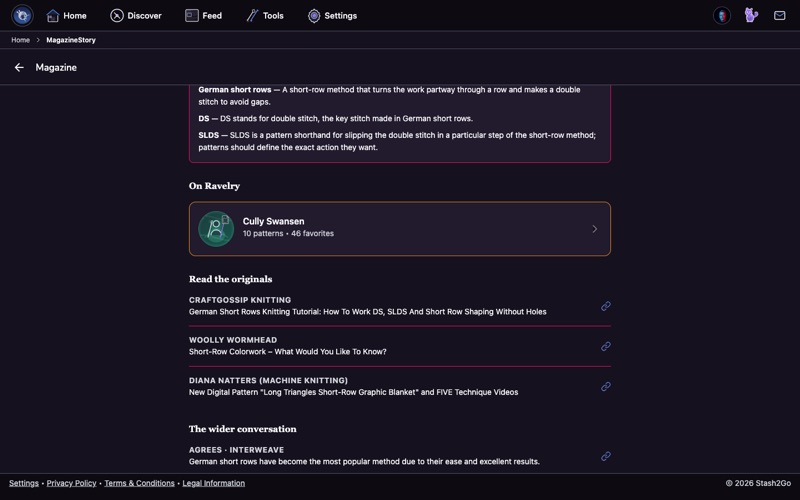
The Magazine is built on the work of real designers and bloggers, and it points back at them. Every article ends with a Read the originals section listing the posts it came from. Follow the links. It supports the people behind the ideas, and it is how you find new blogs to read.
The All articles list can be sorted, and it opens on Curated for you. That puts the articles you have been shown least, and have not read, at the top, so the issue keeps offering something new instead of the same front page every visit. The other orders are newest, oldest, when it was written, best rated, most seen, and A-Z.
Alongside the features are the regular columns: Hot Right Now, In Focus (a designer), and From the Boards (what the forums are arguing about). Hide this article takes away one you do not want.
At the end of an article you can rate it from 1 to 10 and add a note saying what would have made it better. That rating is the human half of the quality loop, and it decides what the next edition looks like. Each teaser shows the average, so you can see what other readers made of a piece before you give it ten minutes.
Inside an article there are also On Ravelry cards for the patterns and designers it names, Terms in this piece for the craft words it leans on, The wider conversation (outside voices that agree or push back), and Read the originals, which links every source.
Available on iPhone, iPad, Android, and web at app.stash2go.com