19I want to see what friends are making
Browse your Ravelry activity feed and get inspired
- The Feed is on by default - switch it off in Settings → Appearance → Display Options if you would rather not have it.
- A Ravelry account. The Friends tab shows people you follow there.
- The Magazine segment is a beta, switched on in Settings → Assisted Features.
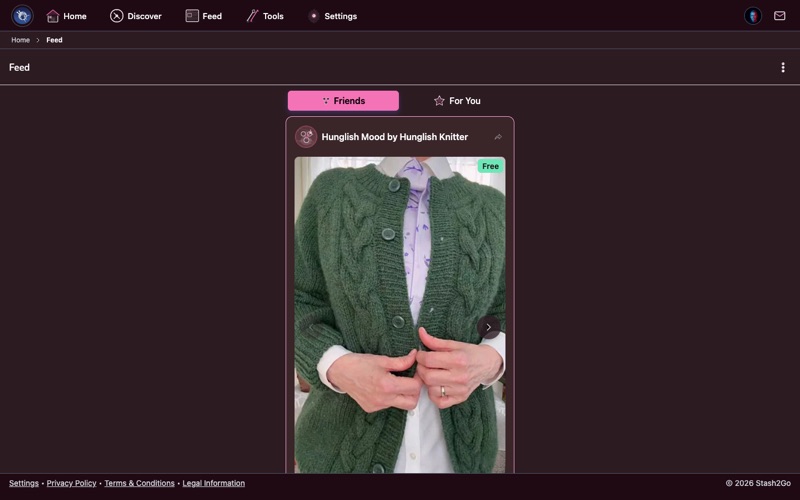
Tap Feed in the navigation bar. The Friends tab shows what the people you follow on Ravelry have been doing. Ravelry reports five kinds, and three of them are photographs: a photo added to a project, a photo added to a stash entry, a photo of handspun, a pattern queued, and a favorite. That is why the feed is so full of pictures. It is also why a friend who knits quietly and photographs nothing never shows up.
Each card shows the friend's picture, what they did, and a photo where there is one. Tap a card to go straight to the project, pattern or thread.
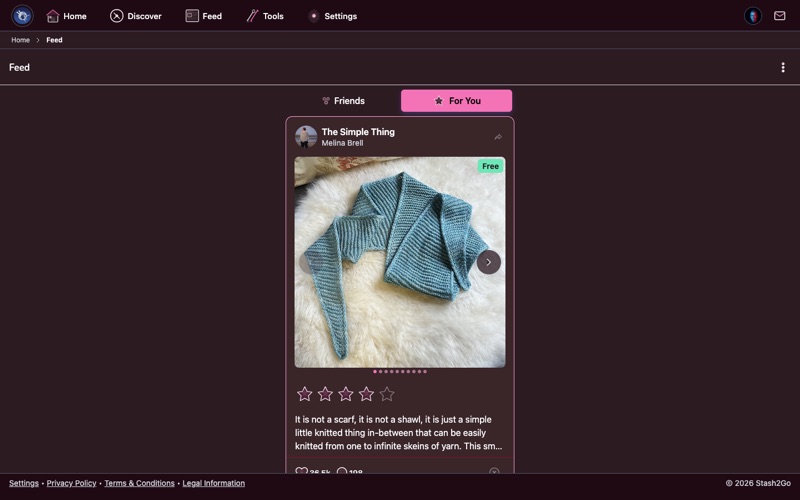
The For You tab is a big-photo scroll of patterns and projects chosen for your taste. The Friends tab only knows the people you follow. This one draws on all of Ravelry: over 1 million patterns and millions of projects, narrowed down to what suits you.
The first time you open it, Stash2Go looks at your Ravelry favorites, your library and the projects you have made. From those it works out what you do (knitting, crochet, or both), what you tend to make (garments, accessories, things for the house), and which yarn weights and fibres you like. After that, what you tap keeps shaping it. Hearting or queueing something means more like this. Marking something Not Interested steers it away.
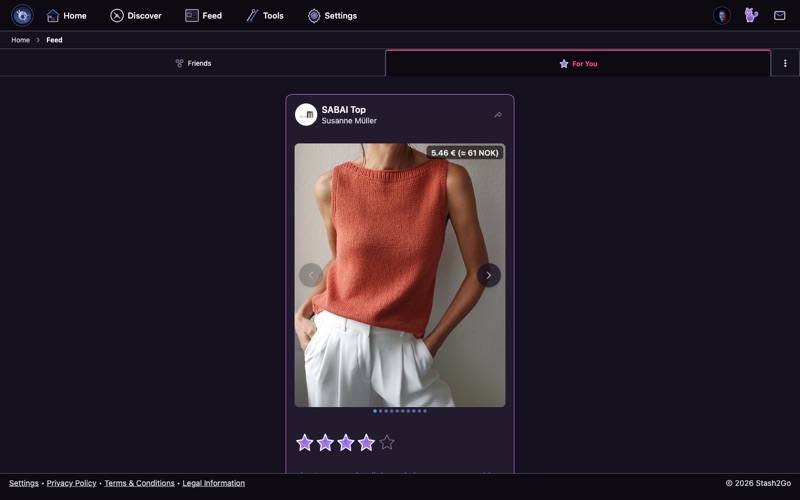
Every card carries its buttons where you need them: Favorite (the heart), Queue, Comments and Not Interested. Hearting or queueing tells the For You feed to show more like it. Not Interested steers it away.
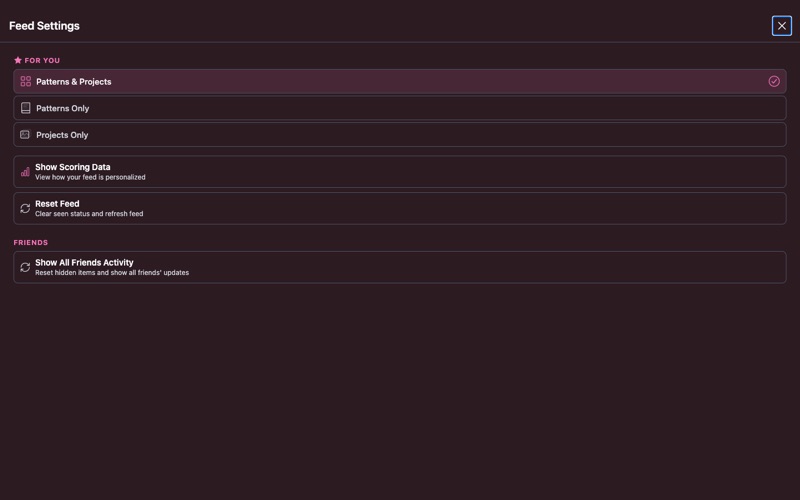
Tap the menu icon in the top-right corner to open Feed Settings. There is one panel per tab: Friends, For You and Magazine. It opens on whichever you were reading. Under For You you choose what turns up:
Patterns & Projects - both, which is how it starts.
Patterns Only - just patterns, for finding something new to make.
Projects Only - what other makers have finished, and what is on their needles now.
There is also a craft row. Automatic follows the mix of crafts in your own projects, and tells you what it worked out. Or set it yourself to Knitting, Crochet, Machine Knitting, Loom Knitting or Weaving. Show Scoring Data shows you the thinking behind what you are seeing, your craft mix included.
Each tab has its own reset. Reset Feed under For You forgets what you have seen, so it all feels new again. Show All Friends Activity under Friends brings back the friend items you have already looked at.
The Friends panel also decides which of the five kinds of activity you see. All five are on to begin with. Turn off the ones you do not care about. Turn all of them off and the feed says so, and offers to open these settings again.
Available on iPhone, iPad, Android, and web at app.stash2go.com