18I want to follow designers and friends
Find designers, follow friends, and explore their projects
- A Ravelry account. Following happens there, so friends you add here are friends on ravelry.com.
- Nothing to switch on. The Craft Value part of a designer's profile needs that beta (see Craft Value).
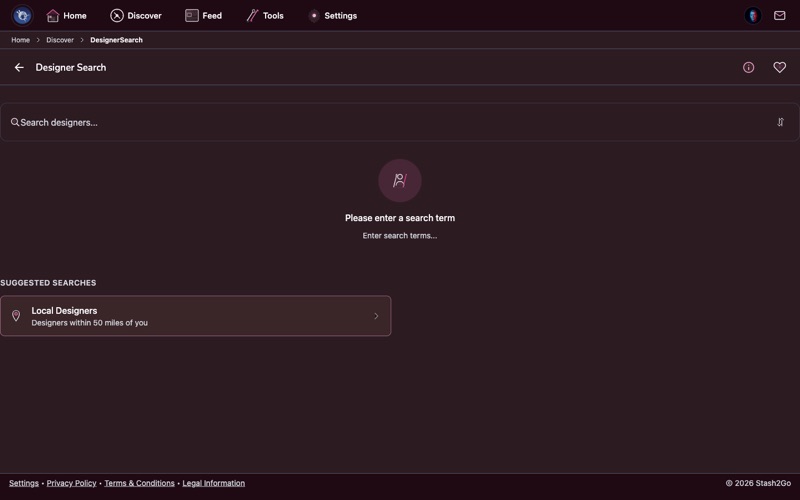
Go to Discover → Designer Search and type a name. That is how you find the designers you already love, and how you turn up new ones.
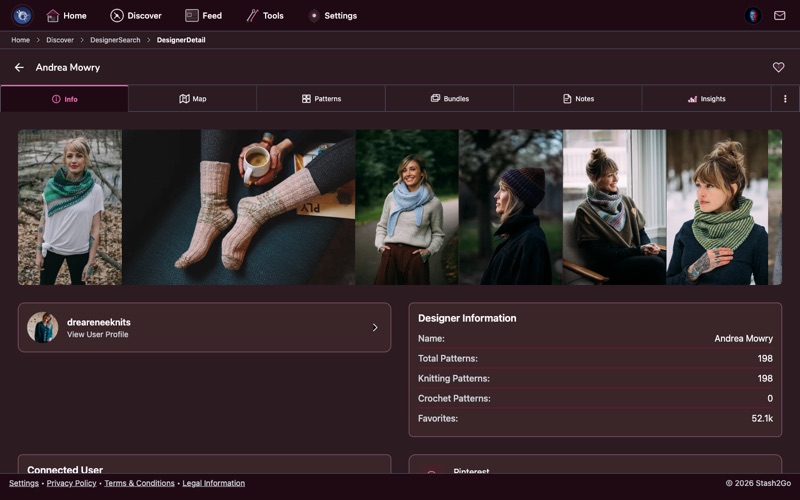
Tap a designer to see their profile, their bio and everything they have published. The list starts with their most popular patterns. If you have switched on the Craft Value beta, a designer's page also shows a Craft Value profile, with their grades spread over time.
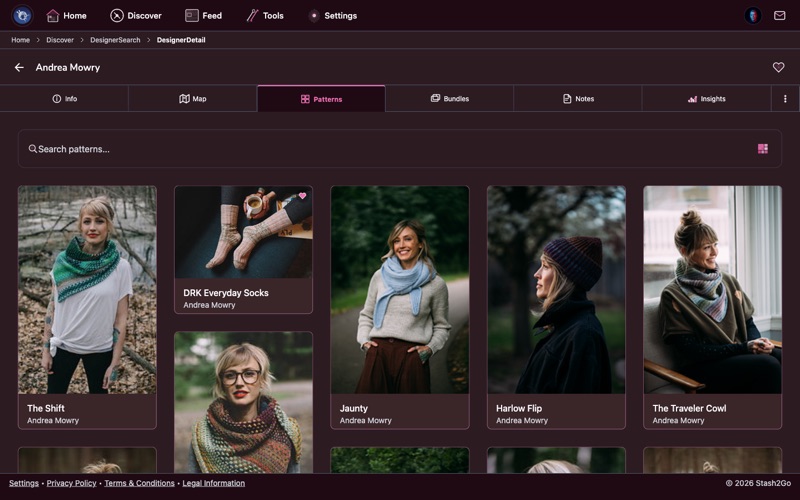
Everything a designer has made sits in one list, ordered by popularity. There is a search box for finding one thing in a big catalogue, and a button to change how the list looks.
Person Search in the Discover tab, under Search & Discovery, finds other Ravelry members. (The Friends quick action opens a similar screen, aimed at the people you already know.) Follow friends, the knitters from your local group, or anyone whose taste you admire.
You can see what someone has on the needles, what they have finished, what is in their stash and what they have hearted. It is one of the best ways to find patterns, because you are borrowing the taste of someone you already agree with.
Besides the patterns there is Info with their bio, a Map if they have said where they are, their Bundles, and your own Notes about them. With the Craft Value beta on there is an Insights tab as well, holding their grades over time. You can also add them to your favorites, which saves having to remember how the name is spelled.
The friends screen keeps My Friends apart from Find People, and can sort your list, which starts to matter once it is long. To add someone, tap Add Friend on their profile. After that the button reads Friends.
Available on iPhone, iPad, Android, and web at app.stash2go.com