26I want to change my settings
Language, notifications, assisted features, and account options
- Nothing to switch on. Every setting here is in every layout, unless the step says otherwise.
- Some settings follow your account from device to device. The view mode and the home layout are remembered per kind of device instead.
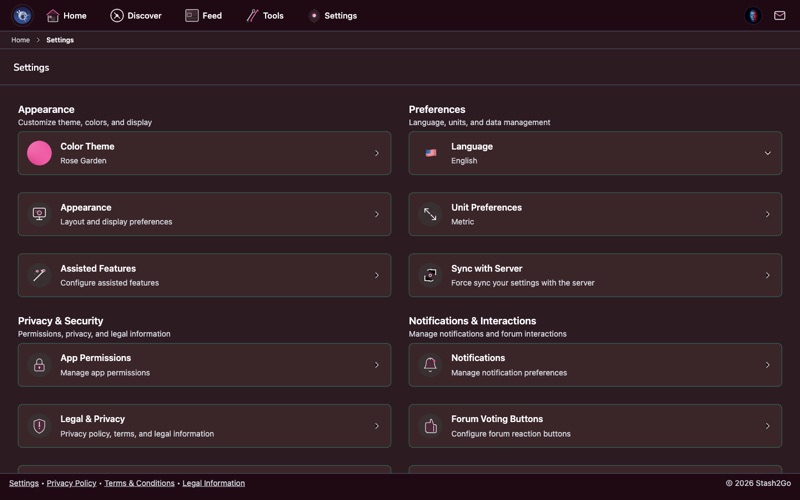
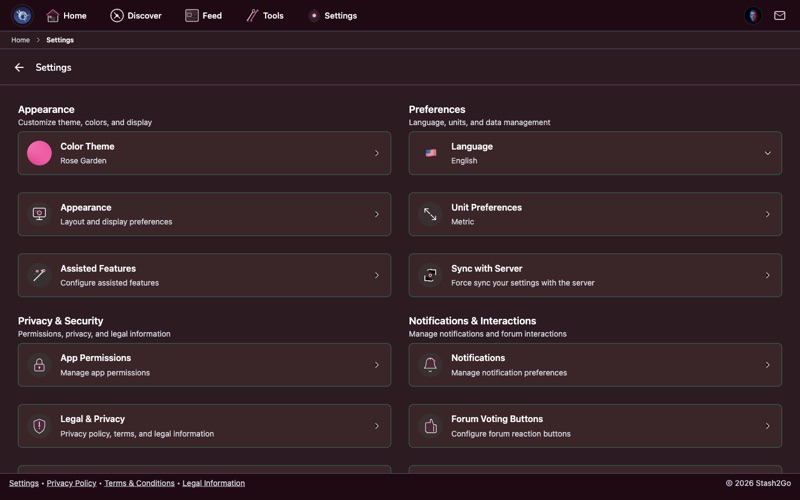
Open the Settings tab. It is laid out in sections: Appearance (colour theme, appearance, assisted features), Privacy & Security, Account, Preferences (language, offline, sync with server), and Notifications & Interactions. There is a search icon at the top as well. Tap it, type what you are after, and it takes you straight to the right screen.
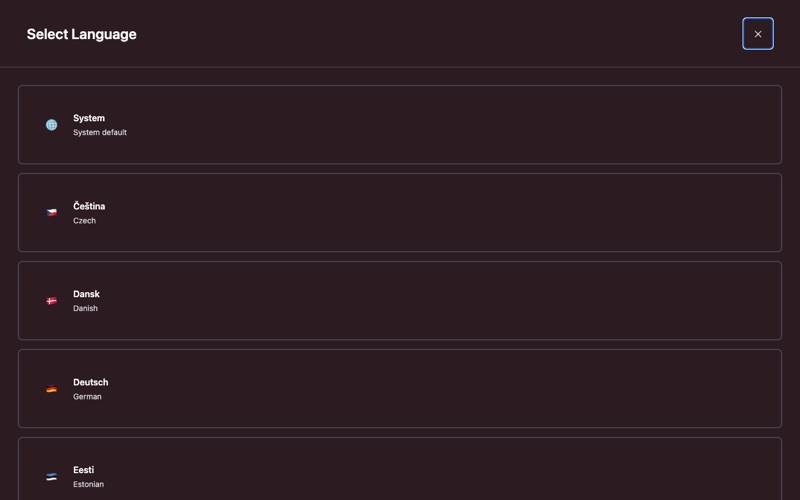
Stash2Go speaks 26 languages: Bulgarian, Croatian, Czech, Danish, Dutch, English, Estonian, Finnish, French, German, Greek, Hungarian, Icelandic, Irish, Italian, Latvian, Lithuanian, Maltese, Norwegian, Polish, Portuguese, Romanian, Slovak, Slovenian, Spanish and Swedish. Pick yours and the whole app follows, craft words included: stitch names, yarn weights, needle types.
You can also set it to System, and it will follow whatever your device is set to. If that language is not one of the 26, the app uses English.
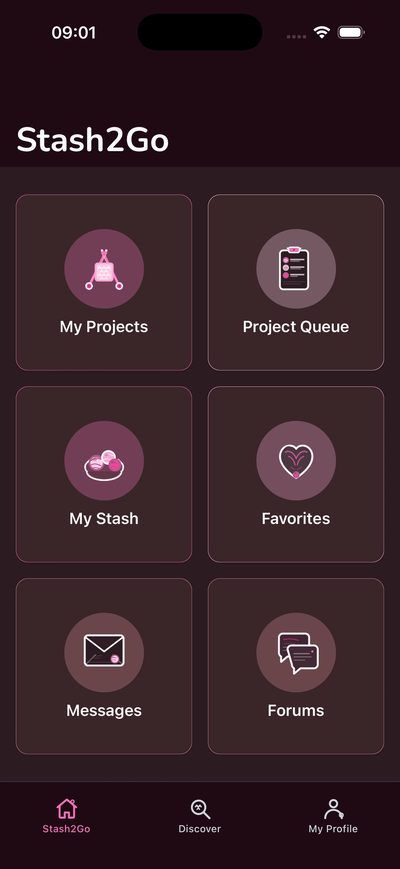
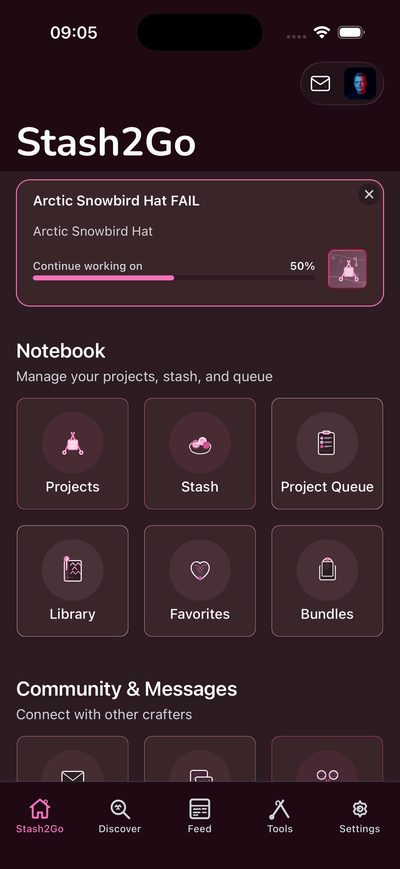
View Mode offers three, not two. Basic (left) puts the advanced things away: the Feed, Stash Matchmaker, Assisted Search, Forums, Color Palette, Yarn Pooling and the detailed statistics. It keeps projects, stash, patterns and your queue. Advanced (right) shows the lot. Classic is the third, for people who liked the older Stash2Go: one page per area, no tabs, and its own way into the tools from Settings.
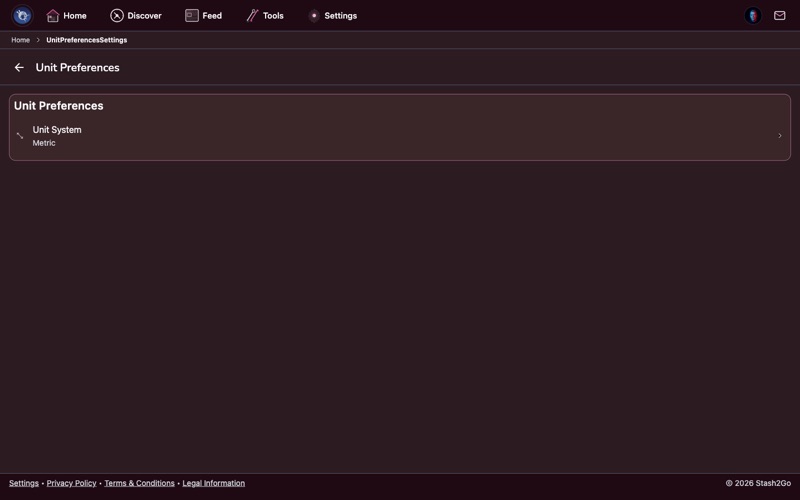
Switch between Metric and Imperial. It changes how gauge is written (stitches per 4″ or per 10 cm), how needles are sized (mm or US numbers), and how yarn is measured (yards or metres). Pattern search filters, stash details and project info all follow whichever you pick.
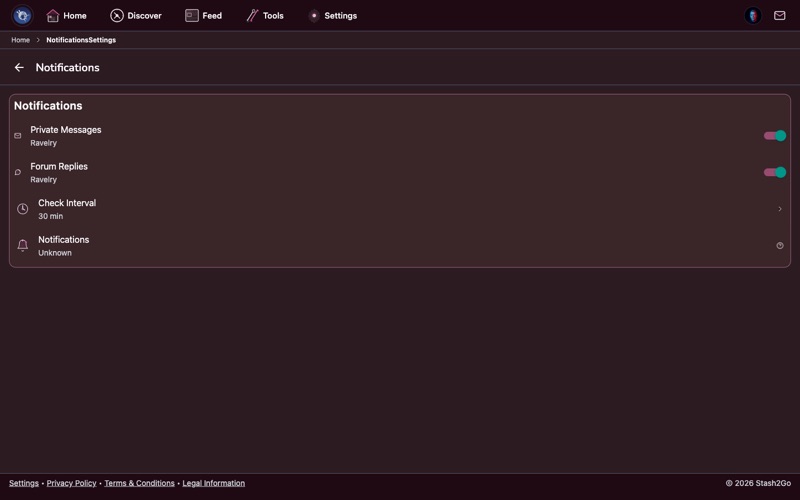
You can be notified about Ravelry messages and about forum replies. Each has its own switch. With one on, your device tells you as soon as it happens, so a message from a friend or a reply to your post does not sit unread.
Background checking decides whether Stash2Go looks for new messages and replies while it is closed. There is no timing to choose. Switch it off if you would rather the app only looked while you were using it. On Android there is a Battery Optimization row too: some phones stop background checks unless the app is allowed to run unrestricted.
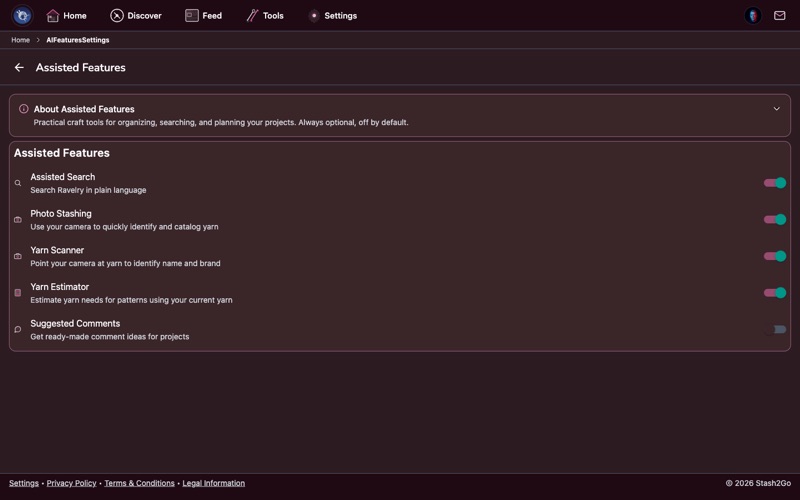
The assisted features take on jobs that are dull or impossible by hand: reading a yarn label off a photo, or turning a sentence in your own words into search filters. Each one sends what it needs through the Stash2Go server to OpenAI, and the answer comes back the same way. Your device never talks to OpenAI itself.
Every one of them is off until you switch it on. Each has its own switch, and each says exactly what it sends: yarn scanner, photo stashing, assisted search, yarn estimator, suggested comments, PDF pattern translation, PDF auto-setup, the Bobbin assistant, Magazine, Studio colour tools, the Colour Swatcher and video captions.
One more switch sits at the top of the screen: Turn AI off completely. While it is on, none of these features runs, none is even offered, none can be switched on, and nothing is sent. It starts off, because every feature below it is already off on its own.
Your crafting data stays between you and Ravelry. Stash2Go is a private window onto your Ravelry account. It does not sell your data, and it does not keep personal data on its own servers beyond what running the service needs.
The free app is paid for by advertising. You can switch off Personalized Ads here. You still see ads, but they are no longer picked for you. In the EEA and the UK, Ad Privacy Options reopens your consent choices, and Manage Google Ads opens Google's own controls. To be rid of ads altogether, go premium. For one day without them, watch a short video: Remove Ads for a Day.
Two more switches sit in Privacy & Security, and you can turn both off. Usage Analytics sends nameless events that show us which parts of the app get used. Error Tracking sends crash and error reports. Neither carries your crafting data.
The rest of the account and privacy settings:
| Export Data | Download your project data as CSV, JSON, or a file Excel can open. |
| Permissions | What the app may reach: camera, photo library and location. |
| Beta Program | Join to see features before everyone else. |
| Delete Account | Remove your Stash2Go account data. Your Ravelry account is not touched. |
Available on iPhone, iPad, Android, and web at app.stash2go.com