57I want Stash2Go on my Apple TV
Patterns on the big screen, your notebook, and a slideshow for knit night
- An Apple TV with the Stash2Go app installed from its App Store.
- A Ravelry account. You can sign in on the television itself, or pair it from your phone - both are described below.
- Your phone or tablet nearby if you want to pair rather than type a password with the remote.
Sign in on the television. Choose Sign In Here Instead and log in to Ravelry on the Apple TV. That is all it takes. The television is then signed in as you, so it turns up in your device list on its own.
Or pair from your phone. Typing a password with a remote takes a long time. The television shows a 6-digit code. On your phone, go to Tools → Devices → Pair Device, choose Apple TV, type the code, and confirm with Ravelry.
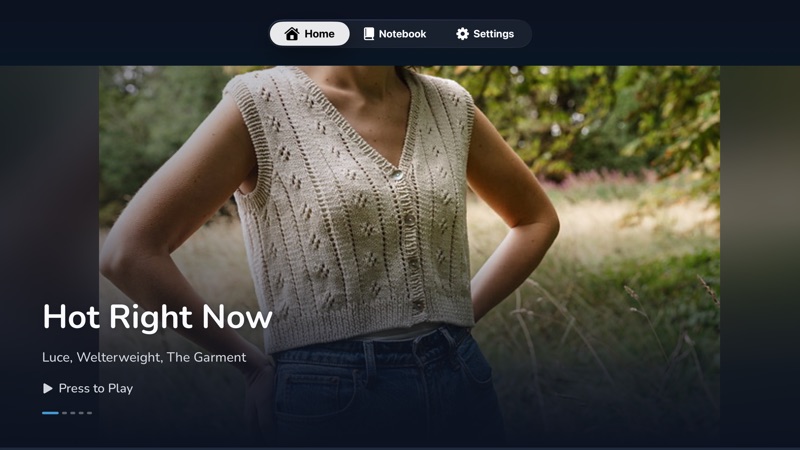
The Home tab opens with one big photo, then rows of patterns: Hot Right Now, New Patterns, Free & Popular, Random Patterns, your Favorited Patterns, and themed rows for Hats, Mitts & More, Aran & Cables, Lace, Socks, Sweaters, Baby Knits and Textured Stitches. Your pinned searches are there too.
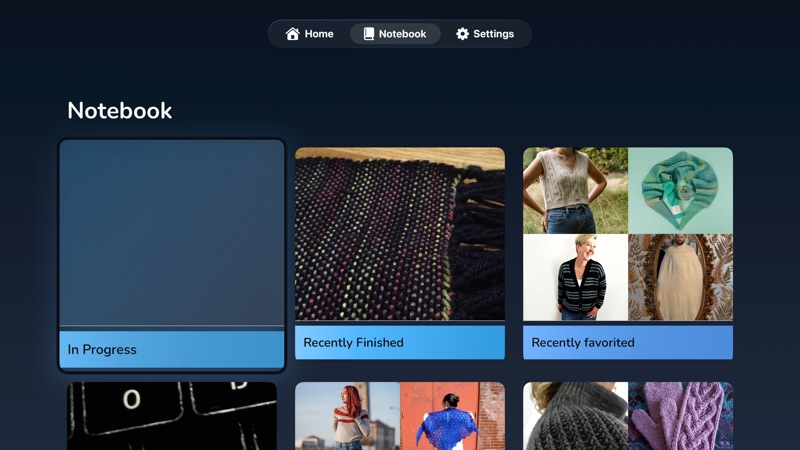
Photos keep their own shape instead of being cropped into a grid, so a long shawl looks like a long shawl. The Notebook tab is your own things: projects in progress, recently finished, favorites, queue, bundles, yarn stash and library.
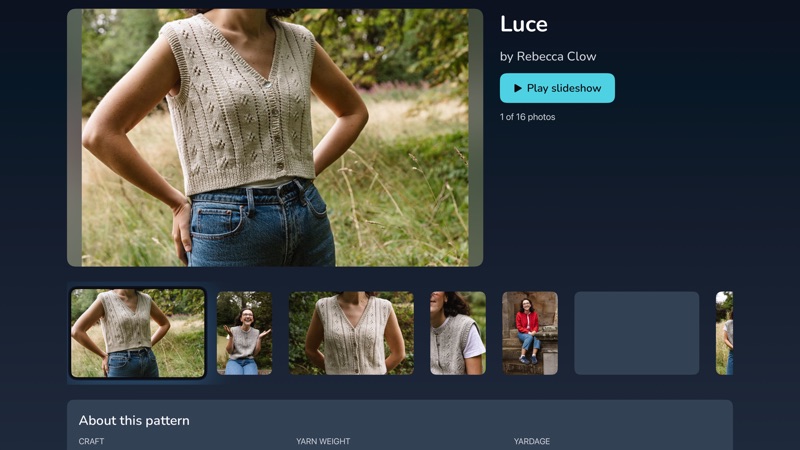
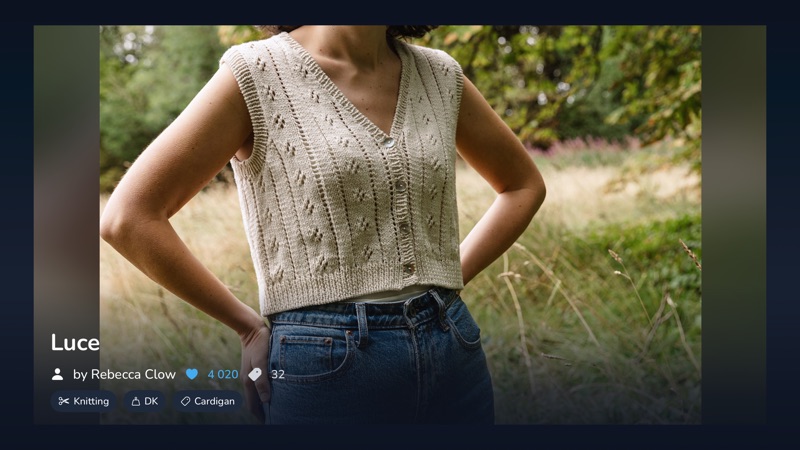
Long-press a card, or press play on the big photo, and the television runs a full-screen slideshow. Photos drift slowly past. You can have background music (an instrumental playlist, or the knitting-songs one), and the pattern's notes if you want them. A QR code lets anyone in the room scan it and open the pattern on their own phone.
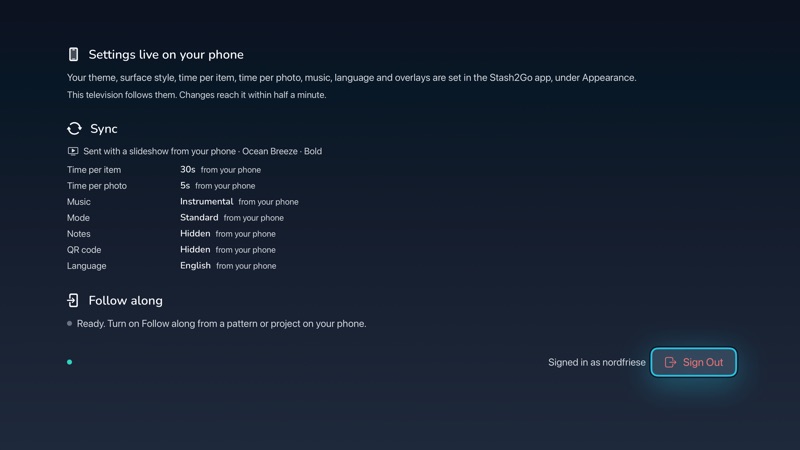
The television's settings tab is a summary, not a control panel. You set your theme, surface style, time per item, time per photo, music, language and overlays in the app on your phone, under Appearance. The television follows. A change reaches it in about half a minute.
Language comes along too. The Apple TV speaks all 26 languages and uses whichever one your phone is set to. It draws the same craft icons and surfaces as the app, so it looks like the Stash2Go you already use.
Available on iPhone, iPad, Android, and web at app.stash2go.com