new38I want help from Bobbin, my craft assistant
Ask questions, get pattern ideas, and navigate the app hands-free
- Bobbin is off by default. Switch her on in Settings → Assisted Features → Bobbin.
- You need to be signed in. Bobbin is hidden while Turn AI off completely is on.
- Where she appears depends on the screen: a floating button on a phone, a panel from the bottom on a tablet held upright, a panel at the side on a wide screen and on the web.
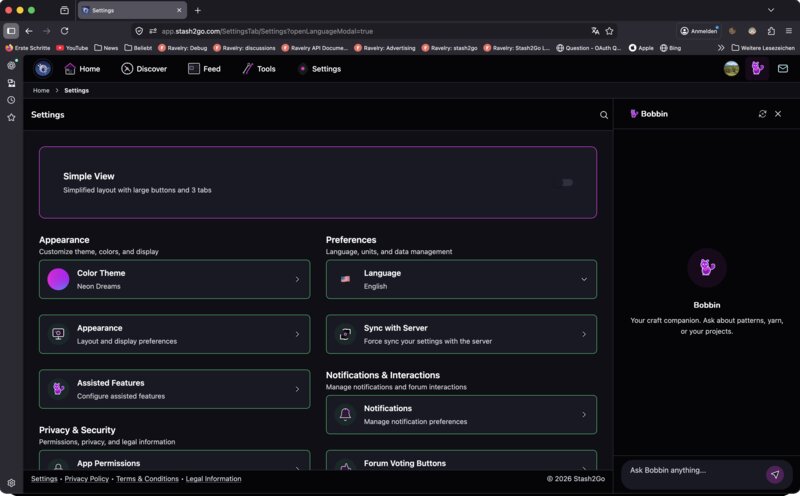
Bobbin is a craft assistant built into Stash2Go. Find her in the Discover tab, or tap the Bobbin icon in the navigation bar. On iPad and on the web she opens as a panel beside whatever you were looking at.
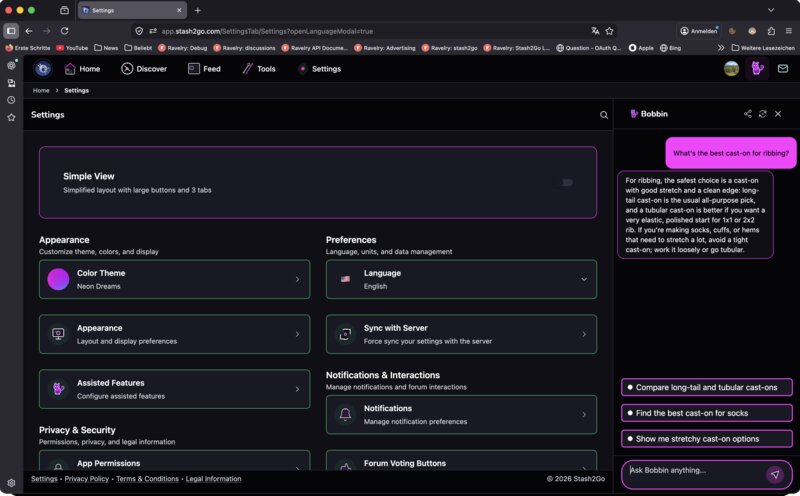
Ask her anything about knitting or crochet. “What's the best cast-on for ribbing?”, “How do I fix a dropped stitch?”, “Explain short rows”. She knows the craft, and the answers come back clear and practical.
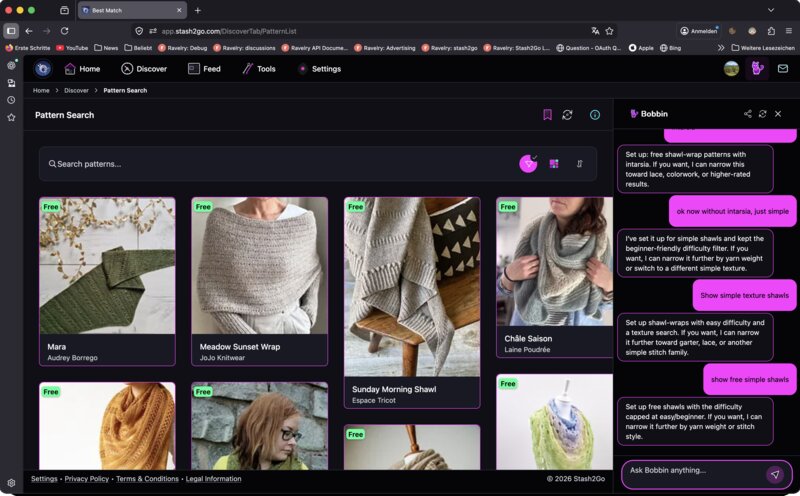
Tell her what you want to make and she finds patterns to match. “Find me a beginner-friendly hat pattern in bulky yarn”, or “I want a lace shawl with beading”. She searches Ravelry, and you can tap any result to open it.
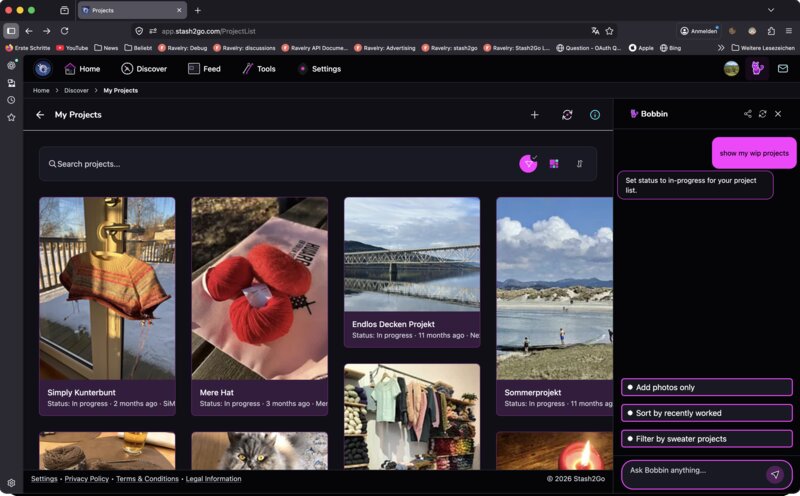
She can move you around the app too. “Show me my projects”, “Open my stash”, “Go to the yarn shop finder”. She works out what you meant and opens that screen.
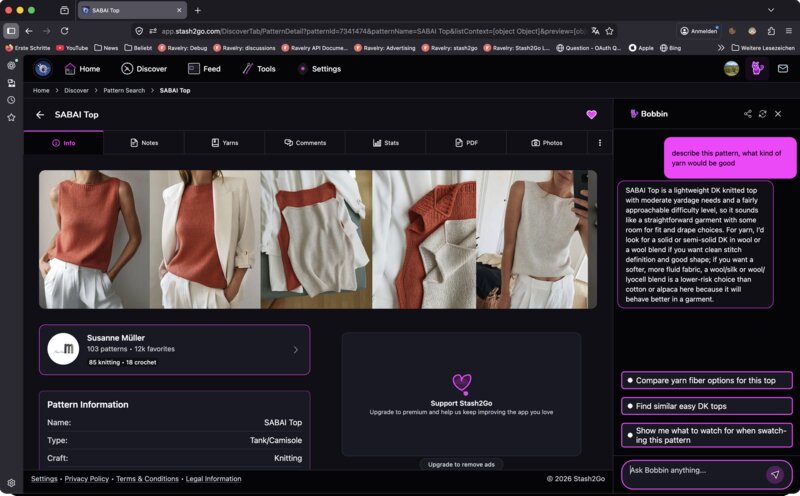
With a pattern open, she can talk about that pattern. “What kind of yarn would be good for this?”, “Find similar patterns”, “What should I watch for when knitting this?”. She reads the pattern's details first, so the answer is about the one you are looking at.
Bobbin is off until you switch her on, in Settings → Assisted Features → Bobbin. Where she turns up depends on the screen. A floating button on a phone. A panel from the bottom on a tablet held upright. A panel at the side on a tablet turned sideways, or in a wide browser window. You have to be signed in, and Turn AI off completely hides her altogether.
While you are working from a pattern, the Need help? sheet hands a question straight to Bobbin about the row you are on. Explain this row in plain words. Check what my stitch count should be. How do I measure this section. What tricky bits are coming. What to do when the yarn runs out mid-row.
Available on iPhone, iPad, Android, and web at app.stash2go.com