59I want a scene behind my app
A quiet scene behind your pages, in your theme's own colours
Some days you want the app plain and out of the way. Other days a little weather behind the work is exactly right. An atmosphere is a scene drawn very quietly behind the app’s pages, painted in the colours of the theme you are already using, so it never fights with what is on top of it. Every theme comes with one. You decide whether it shows, and whether it holds still or moves.
- Nothing to switch on first. The setting is waiting on the colour theme screen.
- It starts Off, so if you have never looked, you have never seen it.
- It works with whichever theme and surface style you already use.

Atmosphere Off: the plain background

Atmosphere Still: the same screen, with the scene behind it
A scene sits far behind your patterns, projects and stash, drawn in the theme’s own colours so it stays quiet. Yarn balls, snow, mountains, waves: whatever suits that theme. If you prefer the plain background, leave it off.

Go to Settings, then Appearance, then Color Theme. On that screen there is a group called Appearance options, holding Appearance, Applies to, Surface and Atmosphere together. It lives here, next to the theme itself, rather than on the Appearance screen you passed through, because it belongs to the theme’s own look. If you have been hunting for it on the Appearance settings screen, that is why you have not found it.

Off gives you the plain background, and nothing changes. Still draws the scene and leaves it exactly where it is, like a picture on the wall behind you. Drift lets it move very slowly, slowly enough that you notice it only when you look up from a row. Lively adds the things that move on their own: snow falls, stars twinkle, a bird or a whale crosses the scene. Lively uses more battery than Drift, and the setting tells you how much for the theme you are on. Try each one for an evening rather than a moment. If you want to see more of it, set your surface style to Minimal or Pure: the cards are filled in less, so more of the scene comes through behind them.
Every built-in theme comes with a scene chosen to suit its colours. There are twenty-five scenes for forty themes, so some themes share one. Change theme and the scene changes with it. Leave Atmosphere on Still while you try themes on, and you see each one with its scene.

If you make a theme in the Dye your own editor, you pick its scene as well as its colours, from twenty-five, plus None if you would rather it stayed plain. Here is every one of them, each shown in a theme that uses it, with Atmosphere set to Lively. Tap a picture to see it large.
Weather and sky
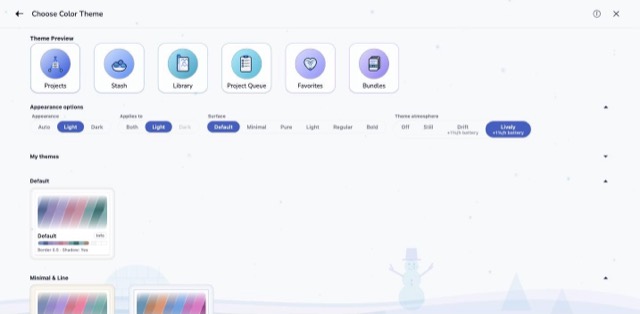
Snowflakes coming down over a snowman, an igloo and a few firs.
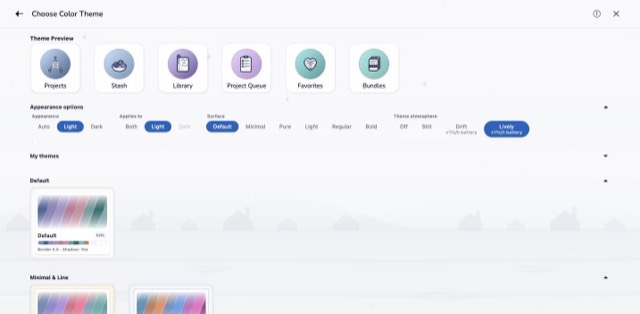
Rain falling on a row of houses, with puddles along the road.
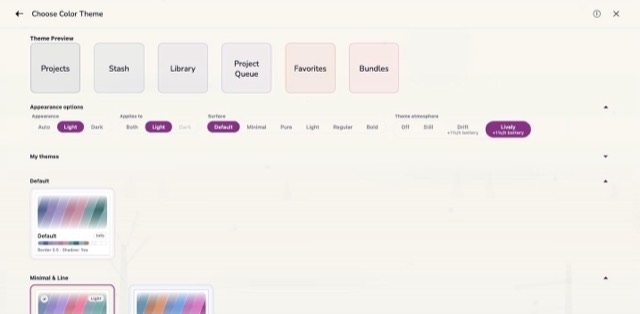
Bare trees and low hills in mist, with a pale sun behind them. The quietest scene of all.
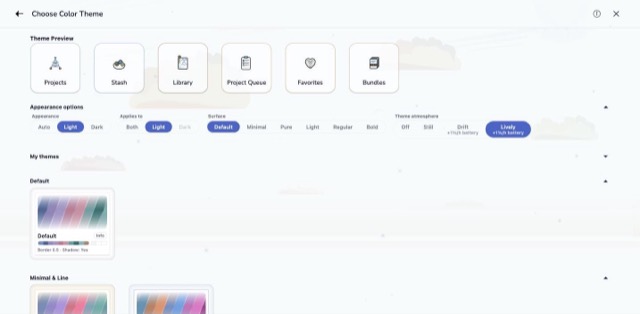
Clouds drifting over a flat shore.
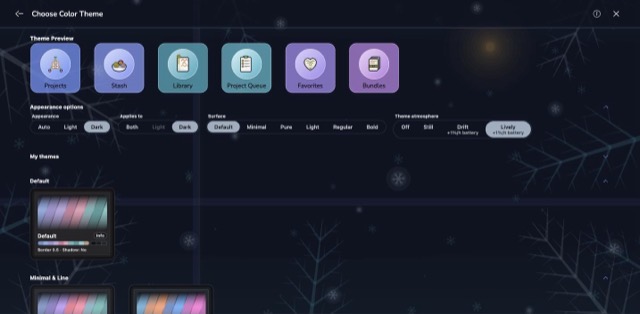
Frost ferns and ice crystals on a dark window, and one warm light.
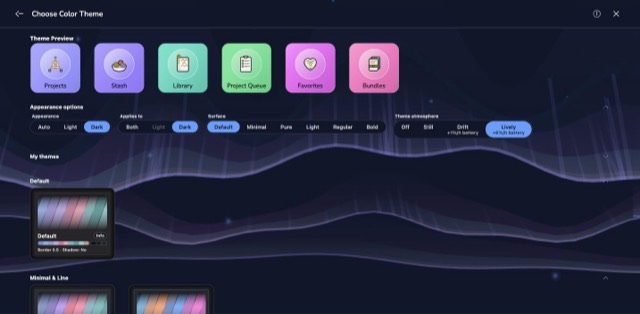
Curtains of northern light with rays hanging from them.
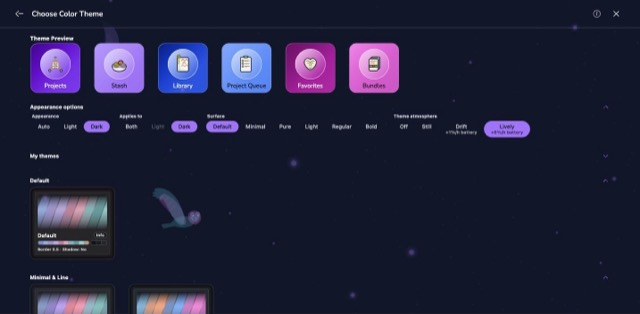
A night sky full of stars, and an owl crossing it.
Landscape and water
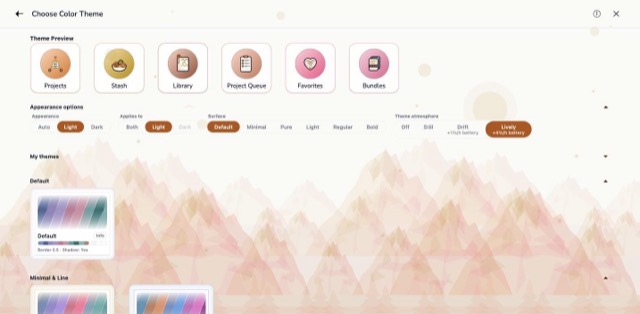
Range behind range under a low sun, with a deer on the slope.
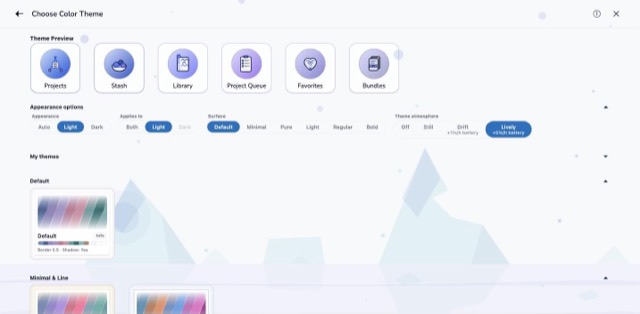
Icebergs standing in still water with their reflections.
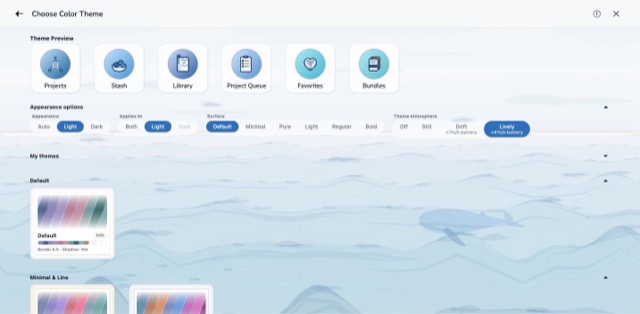
Open sea with a whale under the surface and fish passing by.
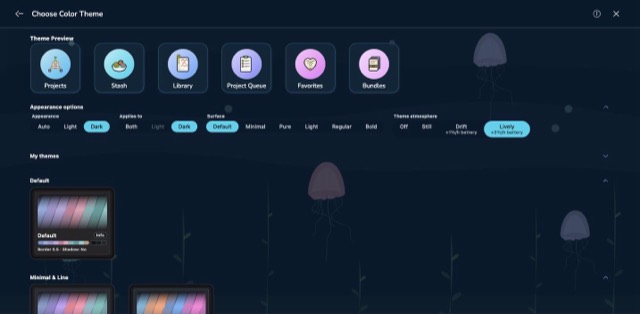
Jellyfish rising through dark water, with bubbles and seaweed.
Growing things
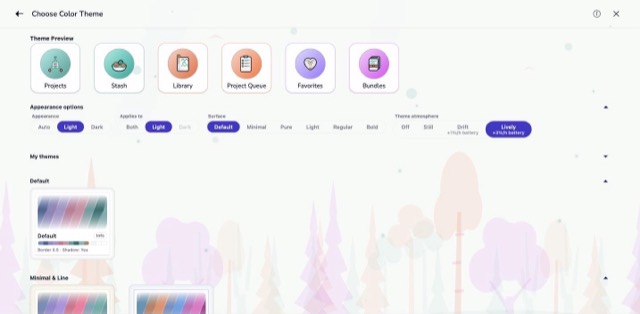
A forest of firs and round-topped trees, row behind row.
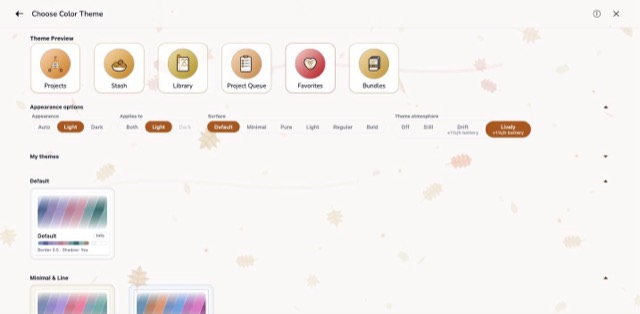
Leaves tumbling down across the whole page.
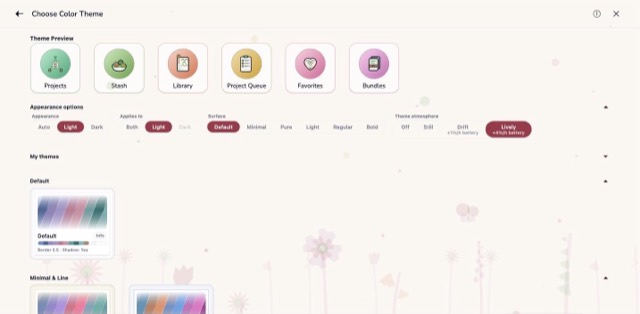
A meadow of flowers on tall stems.
Craft
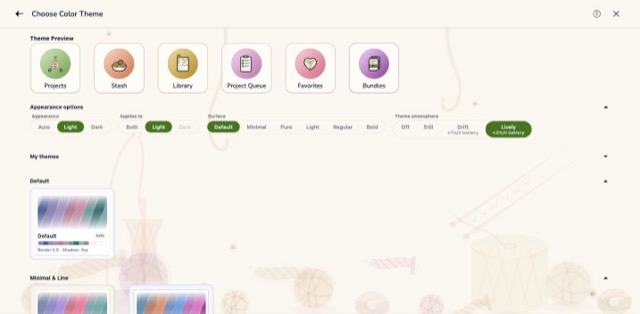
Balls of yarn, a cone, needles with the stitches still on, and a crochet hook.
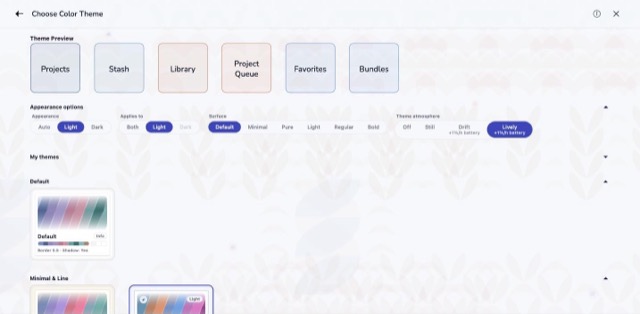
Rows of knit stitches, like the right side of stocking stitch.
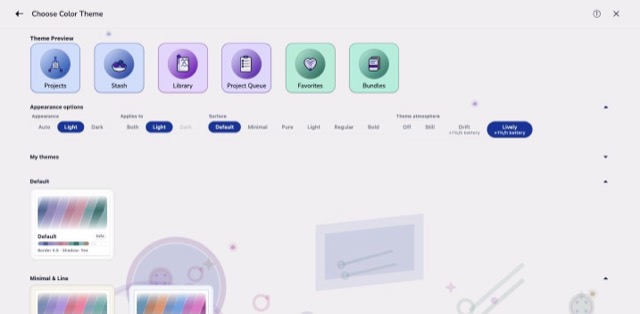
What lives in the notions tin: buttons, pins, stitch markers and a needle case.
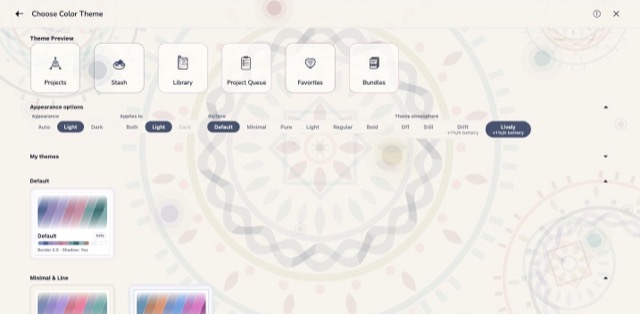
A large mandala of rings, petals and a woven band.
Light and colour
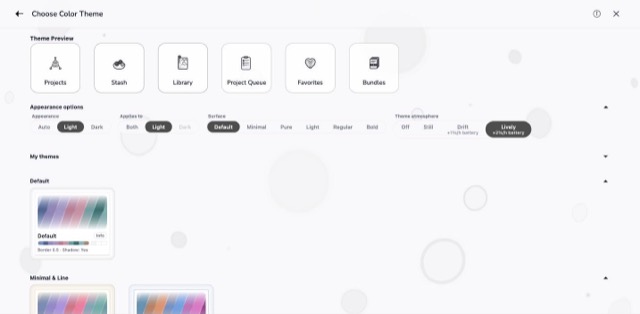
Soft discs and rings of light, out of focus.
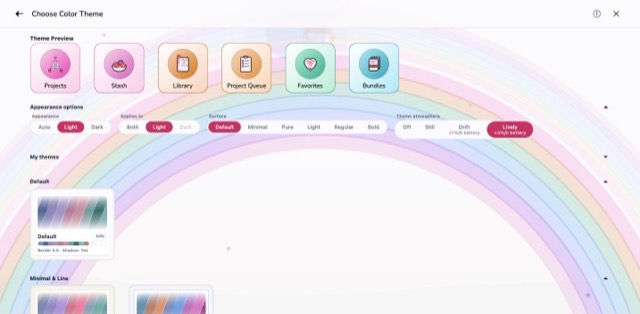
A wide rainbow arching over the page.
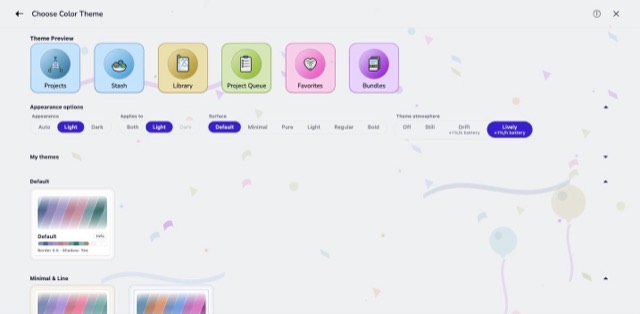
Confetti, streamers and balloons.
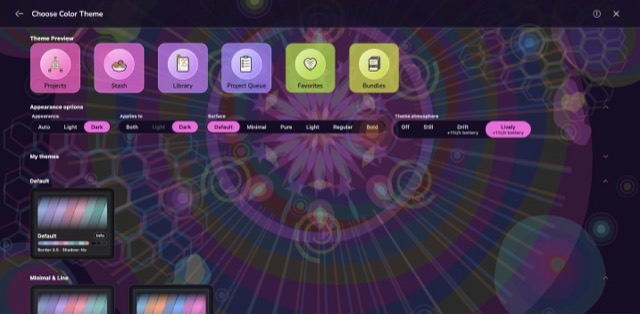
Rings, honeycomb and a burst of petals in every colour at once. The loudest scene.
Seasons and holidays
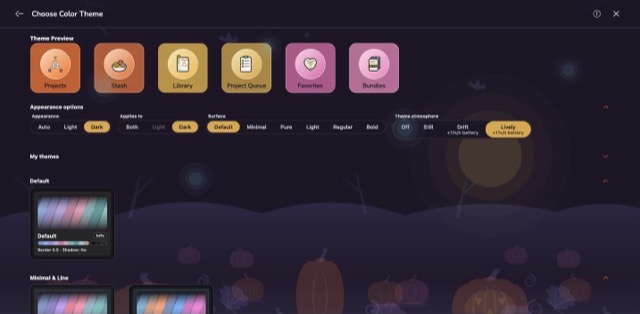
A big moon, bats, and a pumpkin patch with one carved lantern.
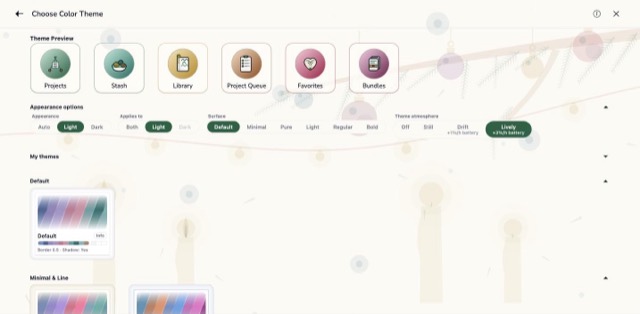
Baubles on a fir branch, a garland and candles.
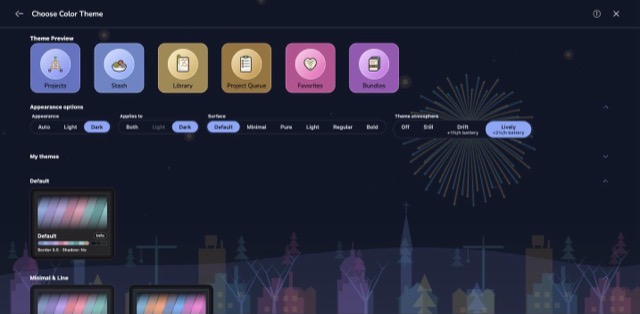
Fireworks over the snowy roofs of a small town.
Atmosphere is the last touch on a look you have mostly chosen elsewhere, so it is worth going back to the rest of it. I want the app to look the way I like walks through the themes themselves, which is where you settle on the colours the scene will be drawn in. Customize the Look covers the wider appearance settings, including the surface styles that decide how much of your scene shows through the cards. Set the theme first, then come back and give it its weather.
Available on iPhone, iPad, Android, and web at app.stash2go.com