62I want to play with my colours
Studio: a wall of your own yarn, a tray for trying combinations, and patterns to match. A beta
- Studio is a beta and starts off. Turn it on in Settings → Assisted Features → Studio. It is hidden while Turn AI off completely is on.
- A Ravelry account with yarn in your stash. Studio shows your yarn, so an empty stash is an empty wall.
- Photographs help. A yarn without one is shown as its colour-family swatch instead.
- Once it is on, you reach it from Discover, or from Tools → Insights.
Studio opens onto your stash as a wall of colour, sorted by colour family, warm at the top and down through to the neutrals. Scrolling it is like walking along a fade. Every tile is your real yarn photo. Nothing is worked out, blended or invented. What you see is what is on your shelves.
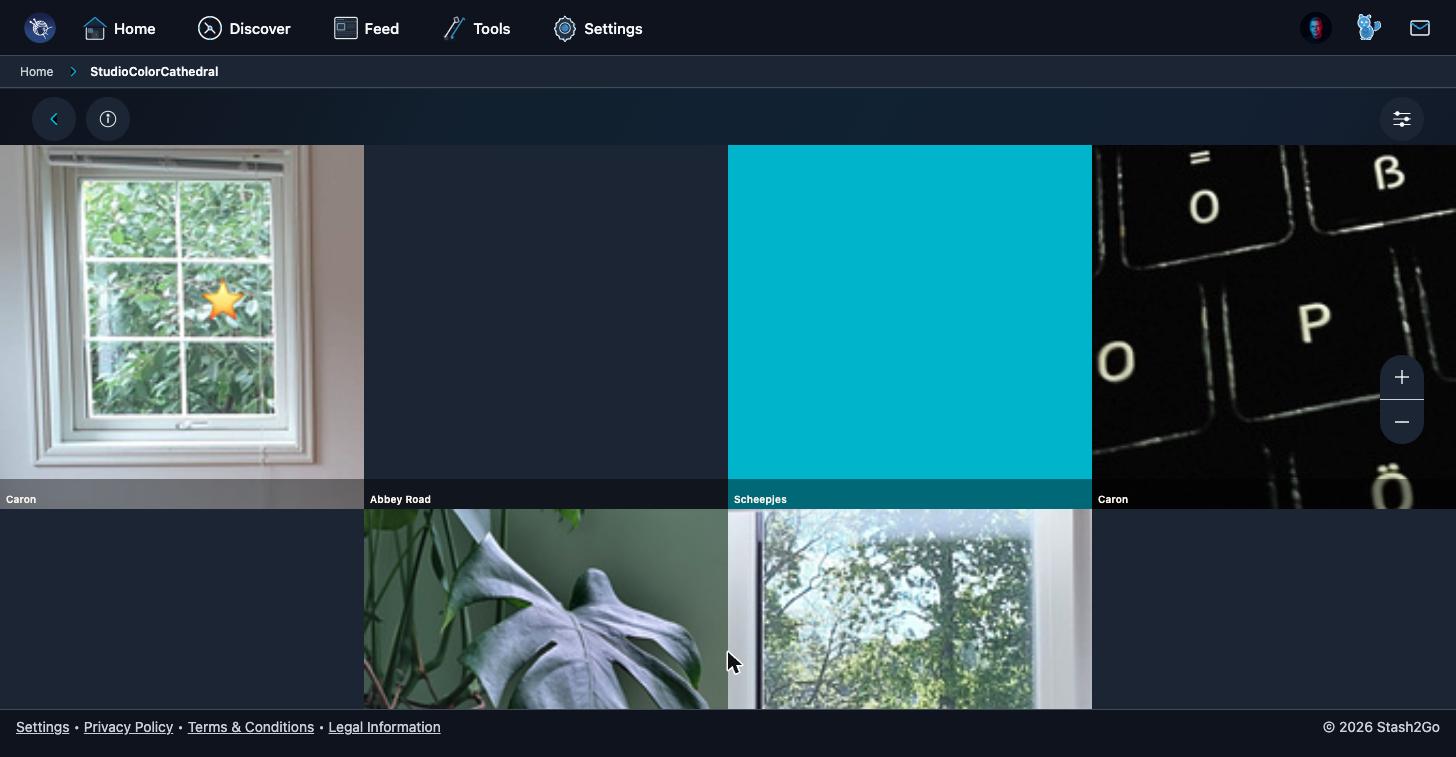
Tap a yarn and it drops into the palette tray at the bottom. Tap it again to put it back. Drag the tray yarns into the order you want, light to dark or warm to cool. See the fade shows them as a band, and that is where you find out whether they sing together or fight.
The Amount lens narrows the wall down to what you can really use. All shows everything. Enough for… measures your yarn against how much a pattern needs. Scraps is for when the whole point is using up the leftovers.
With two or more yarns in the tray, What can I make? looks for patterns that fit the palette you just built. The half hour of playing then ends with something you could cast on, rather than a pretty screenshot.
Available on iPhone, iPad, Android, and web at app.stash2go.com